
MacBook Owner Finds Answer To Preventing Laptop From Slowing Down In Long Run
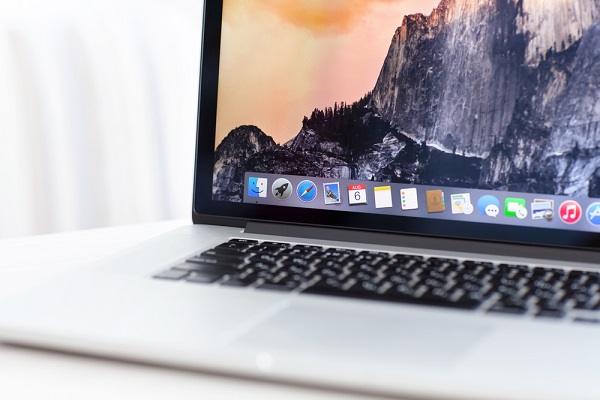
Image via Denys Prykhodov / Shutterstock.com
Have you wondered why your MacBook has become unbelievably slow over time?
According to a member on computer programming question-and-answer site Stack Exchange, your MacBook might have become “unusably slow” due to which side you have been charging it.
The user explained that the task in the laptop that uses up most resources is the ‘kernel_task’, which controls the machine’s processor temperature. To ensure that your MacBook doesn’t get too hot, the solution is to charge your device using the port on the right instead of the left.
While charging your MacBook Pro from either side can cause the overall temperature of the machine to heat up, the user shared that charging it on the left port actually activates the ‘kernel_task’. This forces its fans to work harder and ultimately restrain your laptop’s performance, resulting in a slow-functioning MacBook with a high temperature.
Creative Bloq reported that this issue occurs on USB-C-equipped MacBook Pros, especially if there are multiple devices plugged into the left side of the laptop.
To cool the machine down, try moving your charger to the right side instead.
Things I learned today: which side you charge your MacBook on can affect CPU usage. https://t.co/nofb2fnm4M
— Digital Rebellion (@digitalreb) April 23, 2020
Yep - easily reproducible on my MacBook Pro (15-inch, 2017). Basically, I can never charge on the left side without laptop becoming unusable. https://t.co/4CiwrzDZai
— LateNite Films (@latenitefilms) April 24, 2020
For more laptop-related news, head here.
[via Creative Bloq, opening image via Denys Prykhodov / Shutterstock.com]
Also check out these recent news


