
Apple’s New macOS Big Sur Is Disrupting Some Older MacBooks
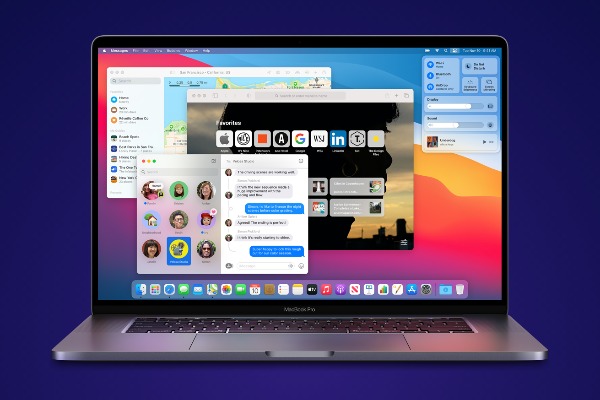
Image via Apple
Apple recently unveiled its latest macOS Big Sur update, but it seems like some people are facing issues with it.
MacRumors specifically noted that people who attempted to update their late 2013 or mid 2014 13-inch MacBook Pro models were stuck with a black screen.
There hasn’t been any immediate solution to the issue, and even after trying out shortcuts to reset the Non-Volatile Random Access Memory (NVRAM) and System Management Controller (SMC) didn’t work.
According to Engadget, the company requested at least one owner to send over their system in for service, while another user claimed that Apple’s engineering team had been alerted of the issue.
Some customers also shared on Twitter that they had an error message popping up when they tried to update to the new macOS.
Since there isn’t a fix for the unidentified problem, it’s best to avoid updating to the macOS Big Sur if you’re using the older 13-inch MacBook Pro.
@AppleSupport I have tried to install Big Sur on my MacBook Pro from 2014 after several hours of waiting I had still a black screen. I tried to restore an backup with cmd + r but nothing happens. What can I do?
— Carsten (@CarstenFuhrer) November 14, 2020
@AppleSupport my MacBook Pro is stuck with this after halfway installing Big Sur. I don’t want to reformat my Mac. Any fixes? #applesupport pic.twitter.com/SUbXiVIQku
— Reuben Stephan (@ReubenStephan) November 14, 2020
@AppleSupport
— Meisam (@deh_meisam) November 14, 2020
I’ve been trying to upgrade to Big Sur in the past two days,but each time when it’s close to finish downloading,it throws an error and when try again,it all starts from scratch!
I have round about 28 GB free space on my MacBook Pro.
So frustrating! pic.twitter.com/r0Mvwws2ql
[via Engadget, cover image via Apple]
Also check out these recent news


