
Photoshop Tip: How To Quickly Turn White Objects Into Any Color, Even Black
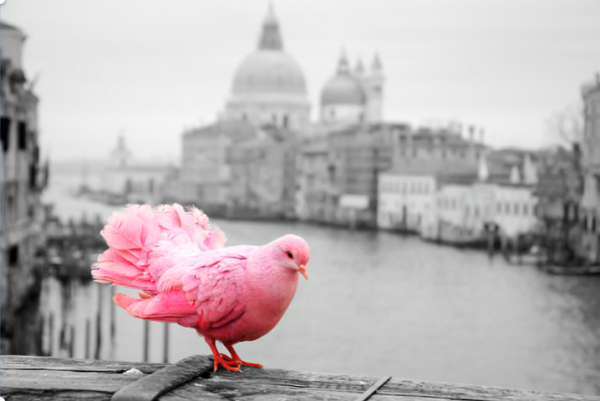
Image via Shutterstock
Changing the color of an object in Photoshop can be a breeze. However, when the object is white, giving it a new hue can be quite tricky.
In this handy tutorial, PiXimperfect’s Unmesh Dinda shows how to use blend-if, adjustment layers, and blend models to change white into any other color, even black.
The tutorial, which runs less than 10 minutes, takes you through a relatively quick process to create striking colors out of white objects naturally. Unmesh uses solid color fill layers and the multiply blend mode to swap colors.
He then applies curves and uses blend-if to add dimension and depth, making the object look natural and realistic.
Please note that you have to spend some time creating a good mask depending on the complexity of the object you wish to change.
Check out the entire video for more examples and a few more great tricks.
[via PiXimperfect, cover image via PiXimperfect]
Also check out these recent news


