
Watch: Photoshop Hacks You’ve Never Thought Of To Level Up Your Portraits
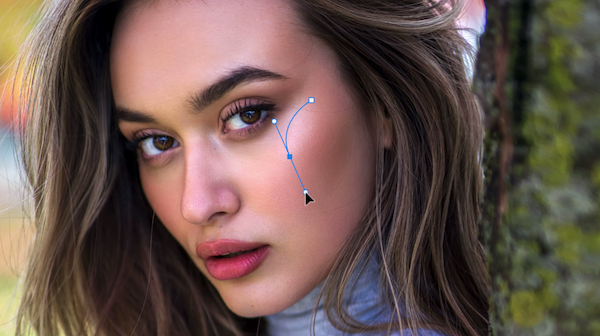
Image via Justin Laurens, featured with permission
Photographer Justin Laurens has revealed his eight favorite, lesser-known Photoshop hacks that will elevate your portraiture to the next level.
In the useful tutorial, Laurents demonstrates his tips on images of his own. He doesn’t use any garish effects to achieve stunning results, only subtle adjustments that require a few quick clicks.
He starts by showing how to accentuate a model’s face by providing more depth and dimension. To do so, he uses Photoshop’s Pen tool and a Curves adjustment layer to enhance the model’s jawline.
Other quick tips include making a model’s skin glow, cleaning up distracting flyaway hairs, a trick to add a tanned look to the subject’s skin, and a time-saving way to batch-edit multiple images in seconds.
Check out his helpful video below to give your portrait photographs a more professional look.
0:09: Make a face “pop” or look more 3D
2:19: Add a natural glow to a face
3:50: Make stray hairs disappear quickly
5:51: Color-grading for tanned/bronze skin
8:12: Easy trick to make colors “pop”
9:52: Color-grade in one layer
11:51: Batch-edit multiple photos in seconds
13:13: Make hair look more dynamic
[via Justin Laurens, featured with permission]
Also check out these recent news


