
Learn How To Remove The Yellow From Old Photos With This Useful Tutorial
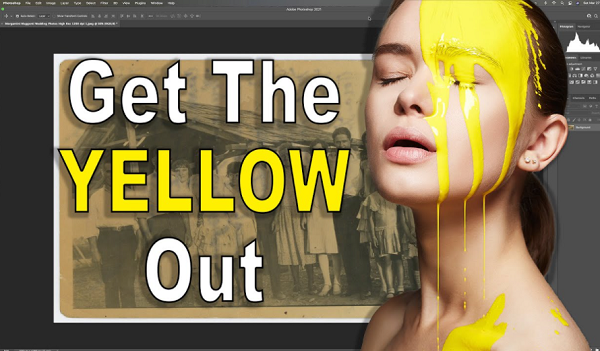
Image via Anthony Morganti and feature with permission
Have you encountered that yellow tint in photos from handed-down family albums?
Most vintage pictures have it, though if you scan and upload them to Photoshop, you can easily do away with it. Photographer Anthony Morganti has shared a quick and easy restoration technique to fix the color of old photos.
In the tutorial, Morganti attempts to restore an old photo supplied by a viewer, which has a yellow tint with writings on the back that seem to have bled through the image.
The photographer uses a Curves adjustments layer to remove the yellow cast, and to remove the lettering, he turns to the Hue-Saturation tool.
With a couple of adjustments and corrections to the contrast and overall vibrancy of the photo, he manages to transform the image into a black-and-white one, sans yellowing.
For a more comprehensive look at how to fix old photos using Photoshop, check out Morganti’s tutorial below.
[via Anthony Morganti, featured with permission]
Also check out these recent news


