
Adobe Launches Creative Cloud For Google Chrome, So You Can Create As You Browse
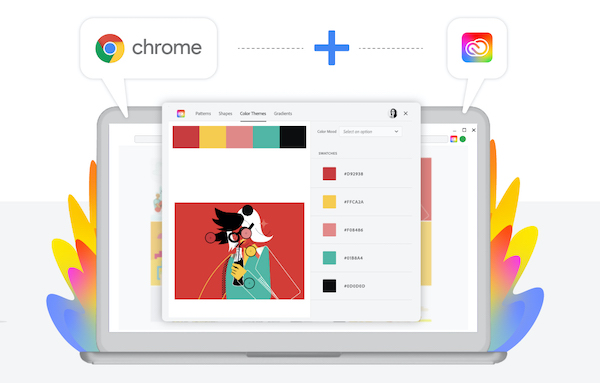
Image courtesy of Adobe Creative Cloud
Finding inspiration without the same freedom of being outside can be challenging, but fret not, things are probably going to pick up from here. Adobe has just launched Creative Cloud for Google Chrome, a free browser extension that essentially turns the World Wide Web into one giant inspiration board of colors, imagery, and more, all within your computer. No excuses now.
The nifty plugin brings the Adobe Capture tool to Chrome, allowing you to capture design elements that catch your eye—whether a shape, color theme, pattern, or gradient—and save them as “creative ingredients” into Creative Cloud Libraries to be accessed instantly via Photoshop, Illustrator, Premiere Pro, or other Adobe productivity apps.
Design elements can be remixed upon—because what good is a creativity tool if you can’t create? There are options to turn aspects of an image into kaleidoscopic patterns, the ability to convert color images into black and white vectors, and even the choice to extract hues from a photo to create a color theme or gradient at the drop of a hat.
The browser extension also works hand in hand with the new Creative Cloud/Google Workspace integration, making it much easier to share assets with collaborators and business partners on Google Docs, Slides, and Gmail.
Adobe Creative Cloud for Google Chrome can now be installed through the Chrome Web store.

Image courtesy of Adobe Creative Cloud
Image courtesy of Adobe Creative Cloud
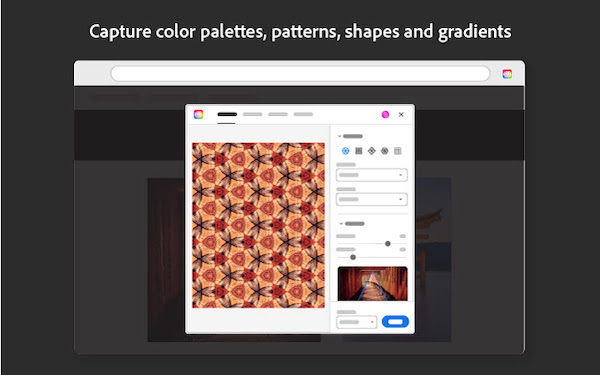
Image courtesy of Adobe Creative Cloud
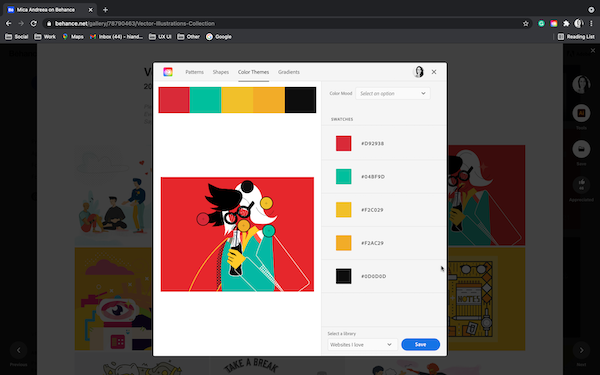
Image courtesy of Adobe Creative Cloud
Image courtesy of Adobe Creative Cloud
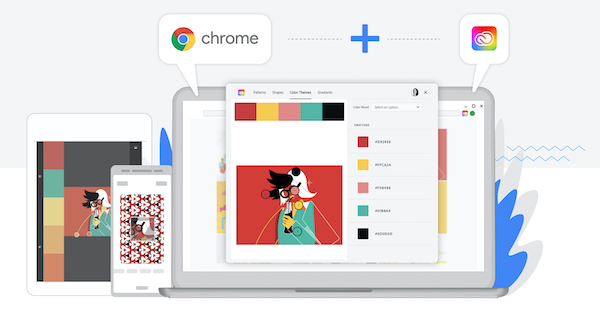
Image courtesy of Adobe Creative Cloud
[via Adobe Creative Cloud]
Also check out these recent news


