
Google Quietly Rolls Out Trick To Lock Incognito Tabs Using Face ID
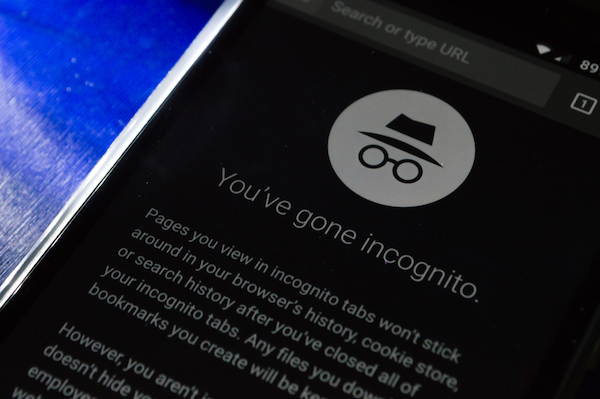
Image via lidiasilva / Shutterstock.com
Google has launched a new feature for the Chrome app on iPhone and iPad that allows users to lock incognito tabs with face ID when they’re left open in the background. This function isn’t available on Android devices, at the moment.
For the uninitiated, Chrome’s incognito mode enables users to browse the internet without saving any history. However, if you’re not careful enough to close your incognito tabs every time, anyone with access to your phone could open the app and see what you’ve been up to.
Now, with Google’s new feature, you can leave incognito tabs open in the background without being afraid someone will find out. Although the function is available on the main iOS app, it’s been hidden in the experimental flags menu and not visible in the app’s settings.
Here’s how to enable the Face ID lock, as per Lifehacker:
1. Enter chrome://flags into a new tab
2. Search for “Device Authentication for Incognito.”
3. From the drop-down menu, set the flag to “Enabled.”
4. After you save the changes, restart Chrome.
5. Upon reopening Chrome, head to Settings, followed by Privacy.
6. Enable “Lock Incognito Tabs When You Close Chrome”.
There you go; your Incognito tabs will now be protected via Face ID from any prying eyes.
[via Lifehacker, cover image vialidiasilva / Shutterstock.com]
Also check out these recent news


