
Android Phones Can Be Controlled By Your Face Now With New Accessibility Feature
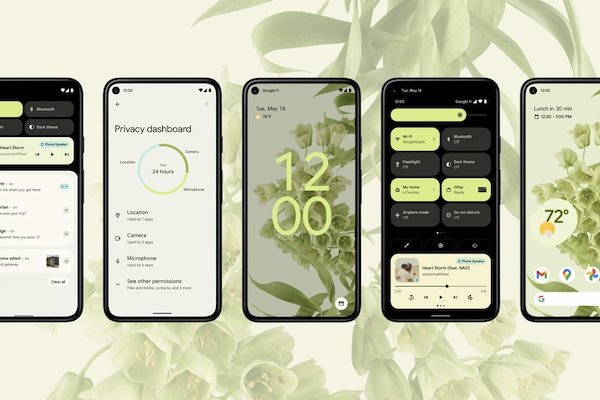
Image via Android
Building upon the Accessibility API that Android has, the own Android Accessibility Suite app comes with functions designed to make using devices a better experience for people with disabilities.
Beta 12 of the app was rolled out alongside Beta 4 of the Android 12 OS, and comes with a new way to control a phone with a very obtainable piece of external equipment: the user’s own face.
‘Camera Switches’, now under the switch access features category, allows devices to be controlled with using a touchscreen. Users can connect a USB device externally to navigate their smartphones or, as of the new update, use the new feature to go entirely hands-off. As noted by XDA Developers, the app has the ability to detect facial features, then carry out a specific function that has been assigned in relation to it.
For example, the device will be able to tell when a user opens their mouth, triggering the notifications panel to open, then return to the home screen. Upon raising their eyebrows, the user could scroll through their Instagram feed.
Users will be able to note when their front camera is being used for this feature with the new indicator added in the base Android 12 beta. This shows when the microphone and camera are being accessed and which apps are using them.
Currently supported face gestures include opening the mouth, smiling, raising eyebrows, looking left or right, and looking up.
Actions that can be mapped consist of next/previous, selecting items, touch and hold, scrolling forward/backward, and opening notifications, to name a few.
This updated release is still in beta, so it isn’t widely accessible to all users just yet. However, the APK can be downloaded externally, though it must be noted that there may be risks in doing so.
[via XDA Developers, image via Android]
Also check out these recent news


