
Free ‘Magic’ macOS Art App Turns MacBook’s Trackpad Into A Drawing Block
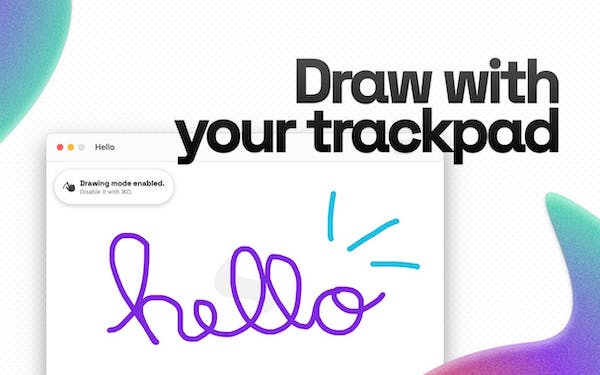
Image via Magic
Although not a perfect substitute for the computer mouse, the trackpad is essential for when you’re on the go and don’t have a mouse with you, or when you need to sign documents. Now, it can be used as a distraction too, kind of like dragging boxes on your desktop or playing a little round of Solitaire.
Magic, a free macOS newly created by a young developer named João Gabriel, lets you produce drawings with your fingers on your Mac’s trackpad.
Utilizing the MacBook trackpad’s touch capabilities, the area transforms into a mini canvas. Users can get creative with brush controls, changing up the brush’s colors, size, and opacity, as well as insert shapes like lines and squares.
• Customize your brush
— Magic (@MagicDrawApp) August 15, 2021
With color, size, pressure and opacity settings, your brush is super customizable, and with even more features to come in the future. pic.twitter.com/PLEgYwKYla
Better yet, it recognizes pressure levels enforced on Macs with Force Touch trackpads, and then instantly adjusts the brush. A bonus is that artworks can even be exported as the usual image formats.
• Strike some pressure
— Magic (@MagicDrawApp) August 15, 2021
Because the Force Touch trackpad is pressure-sensitive, Magic can use pressure data to fine tune your brush. And that's also customizable! pic.twitter.com/vtnn26dfgo
Gabriel, who’s one of the winners of Apple’s WWDC Swift Student Challenge, told 9to5Mac that he’s now working to bring layer support to the app.
Magic is compatible with Macs running macOS Big Sur and newer. Install it here.
— Magic (@MagicDrawApp) August 20, 2021
[via 9to5Mac, images via Magic]
Also check out these recent news


