
Apple Releases Crash Course On How To Snap Engaging Portraits On iPhone
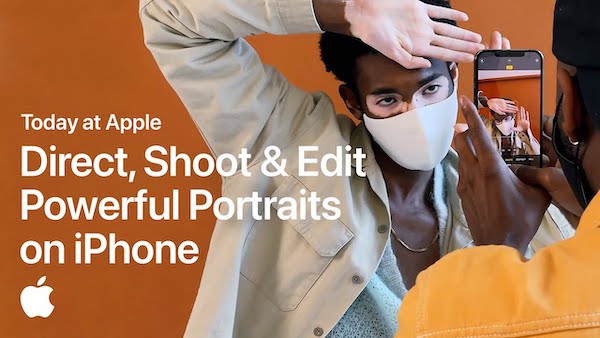
Video screenshot via Apple
While it can be agreed that the iPhone’s Portrait mode is pretty impressive, users may have forgotten about it after taking the first few sample shots. In the latest Today at Apple video, NYC portrait photographer Mark Clennon and Apple Creative Pro Jahmyra reveal how to put it to excellent use, whether you’re carrying the latest iPhone or not.
The tutorial details how to control, shoot, and edit “powerful” portrait photos using your default Camera app with a few quick steps.
First up, Clennon says he’s always amping up his energy at shoots to make the subject feel comfortable, and hopefully meet that energy; in essence, “give energy to get energy.”
To ensure you’ll always have a perfect picture from every shoot, Clennon suggests focusing on the usual angles—from afar, then closer up, then from the top and the bottom, and then around—before getting creative with “the extra credit stuff.”
Lastly, you could also crop photos in less conventional ways for impact. “When I’m always looking for shapes and things that might catch my eye,” explains the photographer. “That’s why you see so many of my images cropped in really closely, ’cause I decided that I love the specific elements of this photo, so I zoomed in and removed the rest of it.”
Find out some neat ways to level up your iPhone portrait game in the video below.
[via Mactrast, video and cover image via Apple]
Also check out these recent news


