
Apple Blesses iPads With Multitasking Powers In Massive iPadOS 16 Upgrade
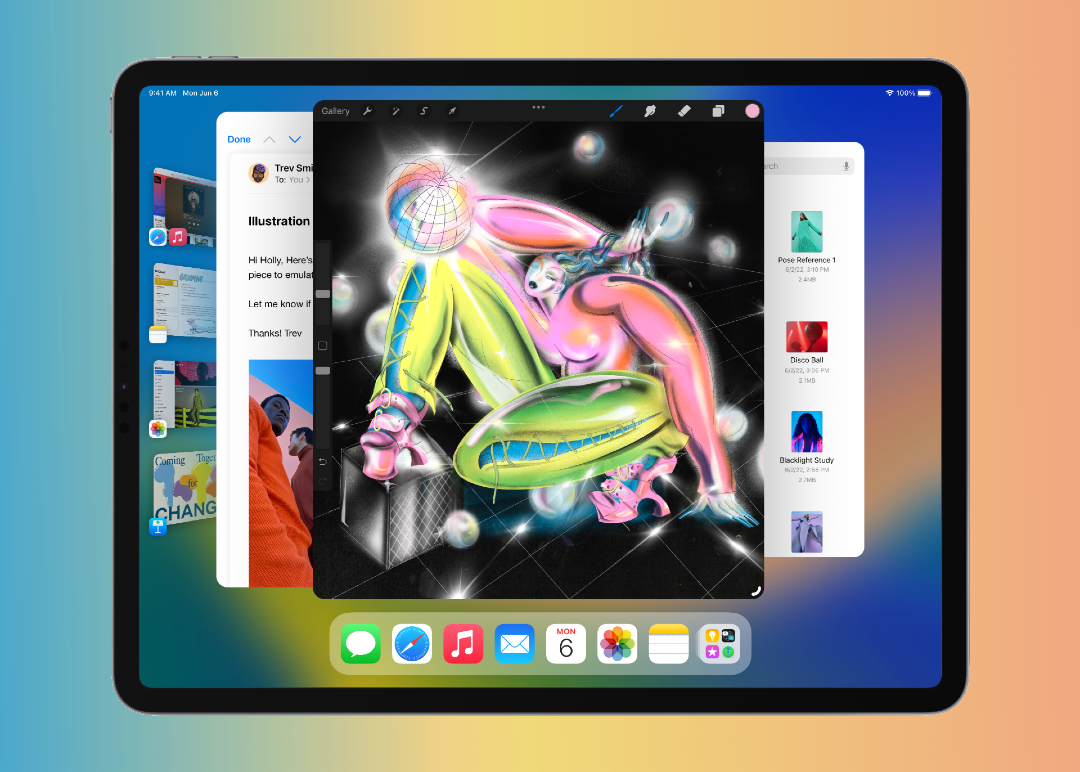
Composite image via Apple
Apple has been going above and beyond to turn the iPad into a pseudo-laptop, but at the Worldwide Developers Conference (WWDC), it proved that the tablet isn’t just a wannabe. Thanks to its compact size, it can carry pro capabilities on the go while offering ample virtual real estate that the iPhone cannot provide.
iPadOS 16 brings dramatic multitasking abilities that let you have a full workstation with you everywhere you go. Here are some key updates.
More apps in one view
iPad owners would undoubtedly be familiar with the Split View mode, the OG multitasking power of the Apple tablet which lets you view two apps at once. A third screen can be dragged in, but this would be narrower and float above the other displays. Admittedly, working with these can be frustrating at times because they don’t always do what you want them to do.
Video screenshot via Apple
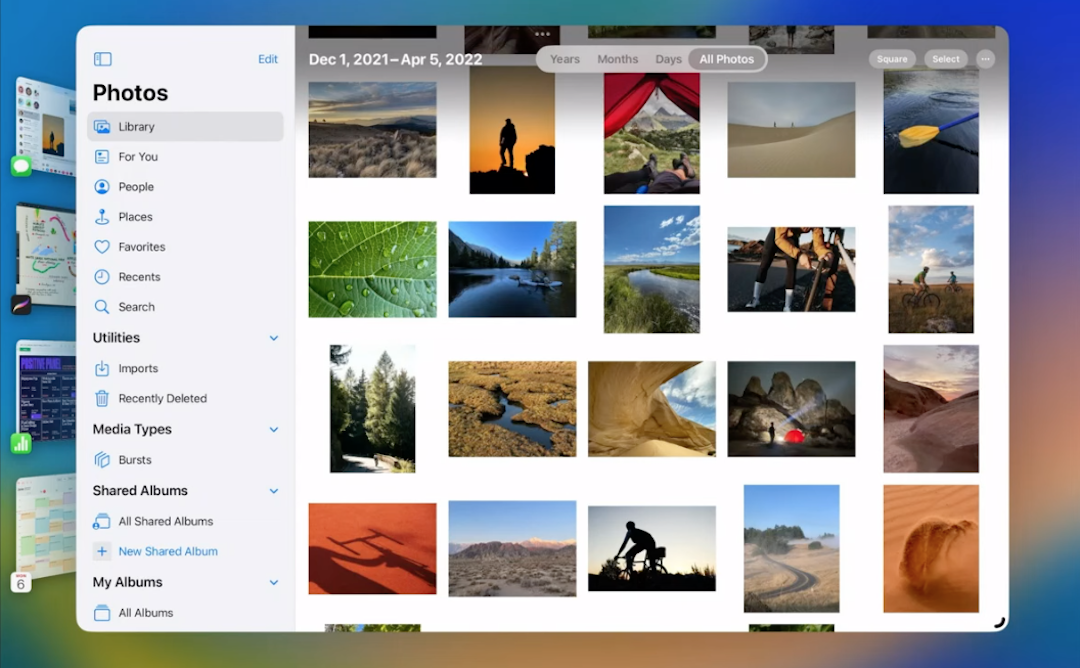
All that is set to change with ‘Stage Manager’, a brand-new, more intuitive feature for M1-enabled iPad Pros and iPad Airs which has also just been introduced to the Mac. Stage Manager rolls more displays into one by letting you resize windows—much like resizing windows on your desktop—to reveal more in the background.
On the iPad, this lets you see the Dock, which showcases other open apps on the left. You can tap on any of those to make it your main window. “You’ll notice that all my recently used apps appear on the left, so switching between them is really fast,” explained Apple’s Software Engineering senior vice president Craig Federighi.
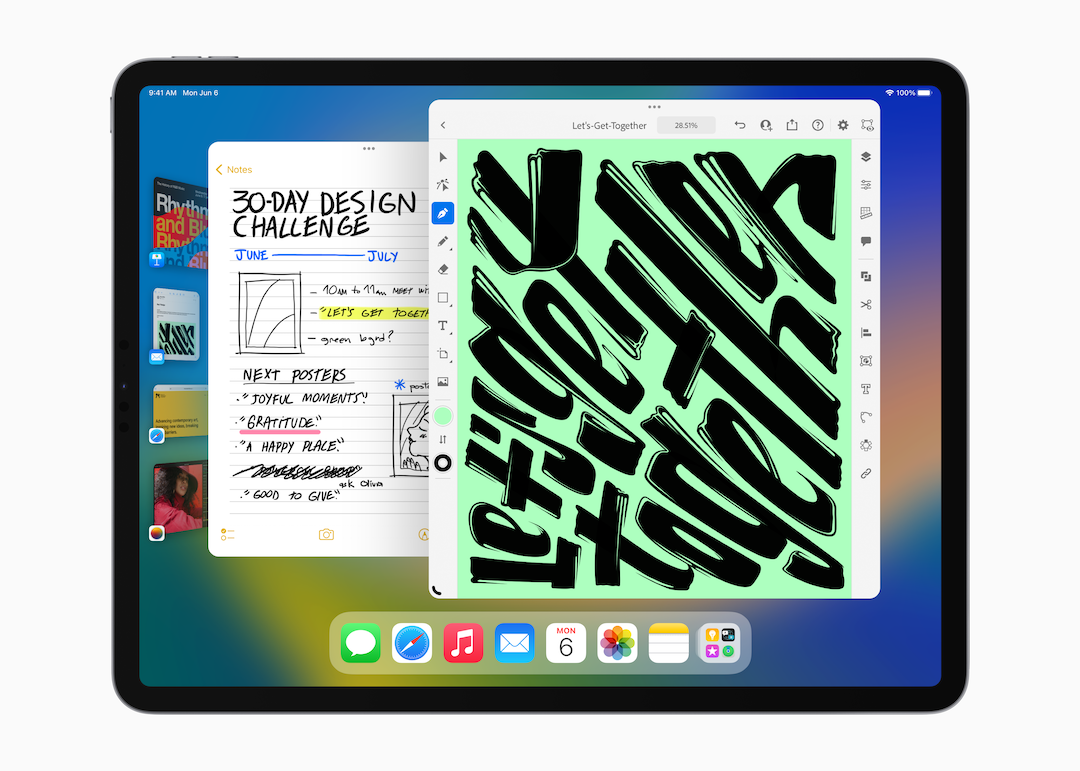
Image via Apple
You can even overlap windows simply by dragging an app window across the screen.
Further external display support is also possible with Stage Manager—more on that later.
Collaboration
Typically, you’d need third-party software like Zoom to collaborate with teammates, but Apple is now baking collaboration into iPadOS. Users can, for instance, send an invitation to coworkers to work on the same document or spreadsheet in real-time, and any updates made will appear at the top of the chat. If texting won’t cut it, collaborators can also FaceTime each other to continue their discussions.
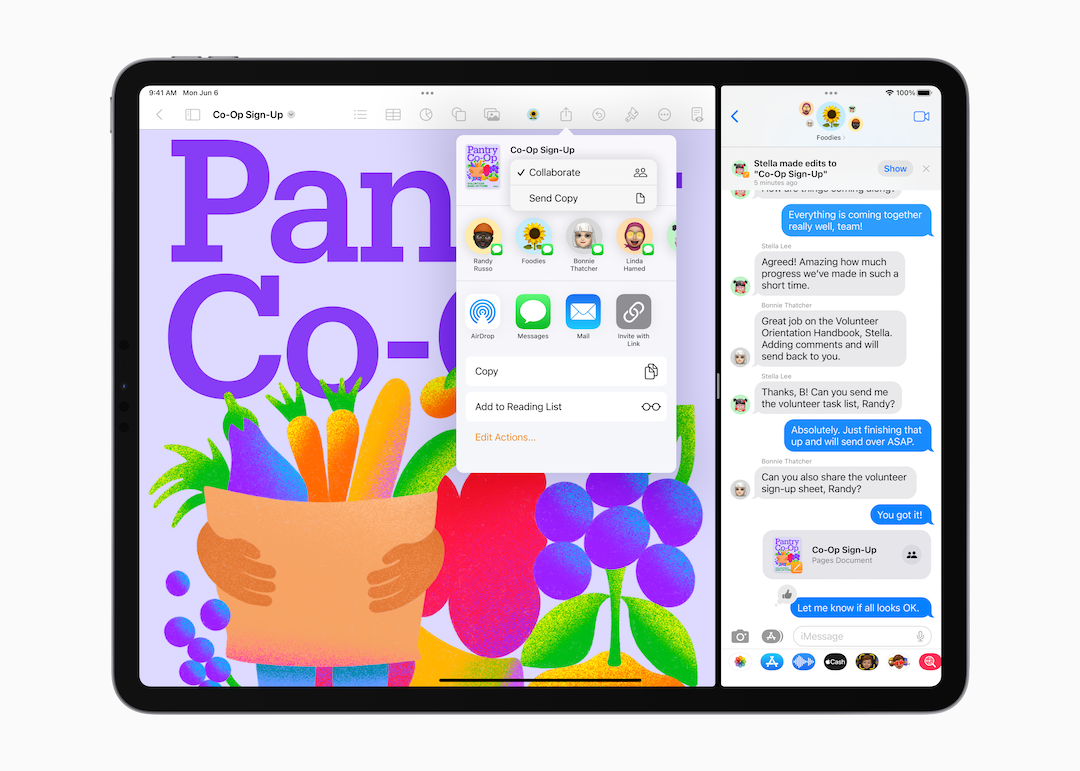
Image via Apple
A new, in-built Freeform app takes brainstorming to a new level by giving teams a flexible canvas to collaborate over in real-time. To keep ideas flowing, the tool comes with handwriting recognition that differentiates collaborators.
Video via Apple
An Apple mega-desk
The new Stage Manager feature enables proper external support by letting you connect your M1-powered iPad Pro or Air to a larger display via the USB-C port.
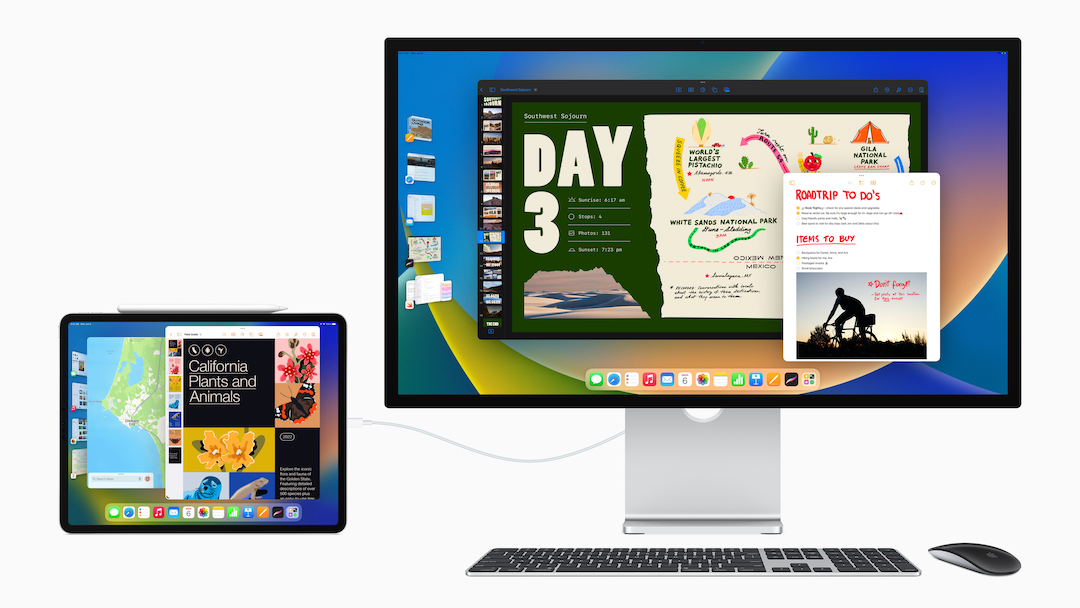
Image via Apple
This means you can work on more demanding tasks like pro photo or video editing. With support for resolutions of up to 6K, no important detail is lost. A ‘Display Zoom’ feature lets you adjust the pixel density of your display, too.
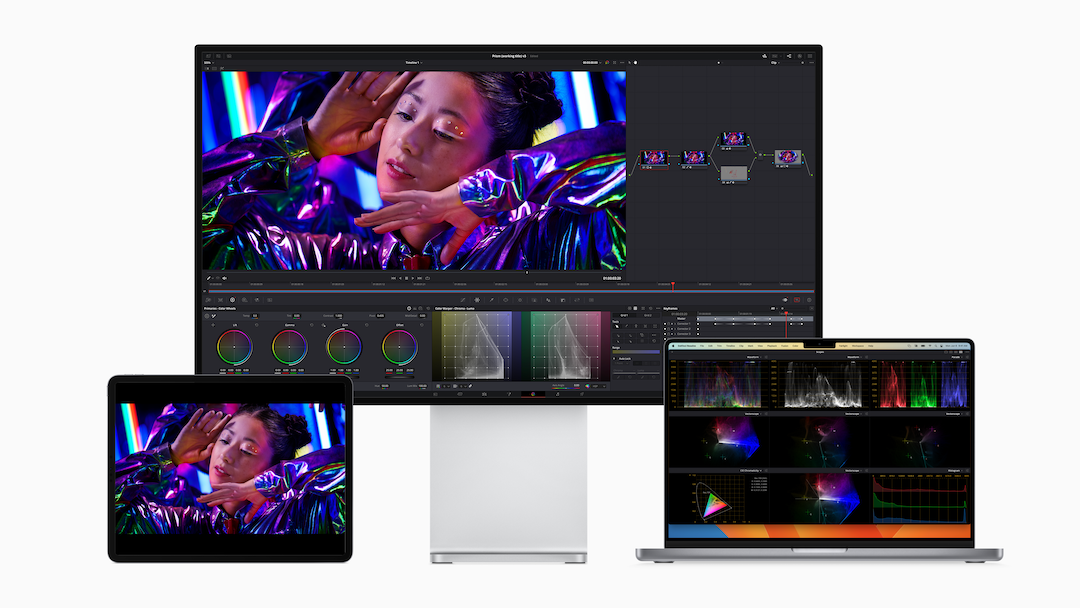
Image via Apple
If you’re a designer or artist and own the 12.9-inch iPad Pro with Liquid Retina XDR display, there’s even a ‘Reference Mode’ that matches your projects to color requirements in workflows “like review and approve, color grading, and compositing, where accurate colors and consistent image quality are critical,” says Apple.
Finally, there’s ‘Virtual Memory Swap’, which boosts available memory for all apps by up to 16 GB.
Availability
The Public Beta version of iPadOS 16 will roll out in July, while the official version will be available to all iPads that are fifth-generation or newer in the fall.
[via 9to5Mac, PetaPixel, TechCrunch, Apple, images via Apple]


