
Microsoft Teams Improves Interface For Users Who Rely On Sign Language
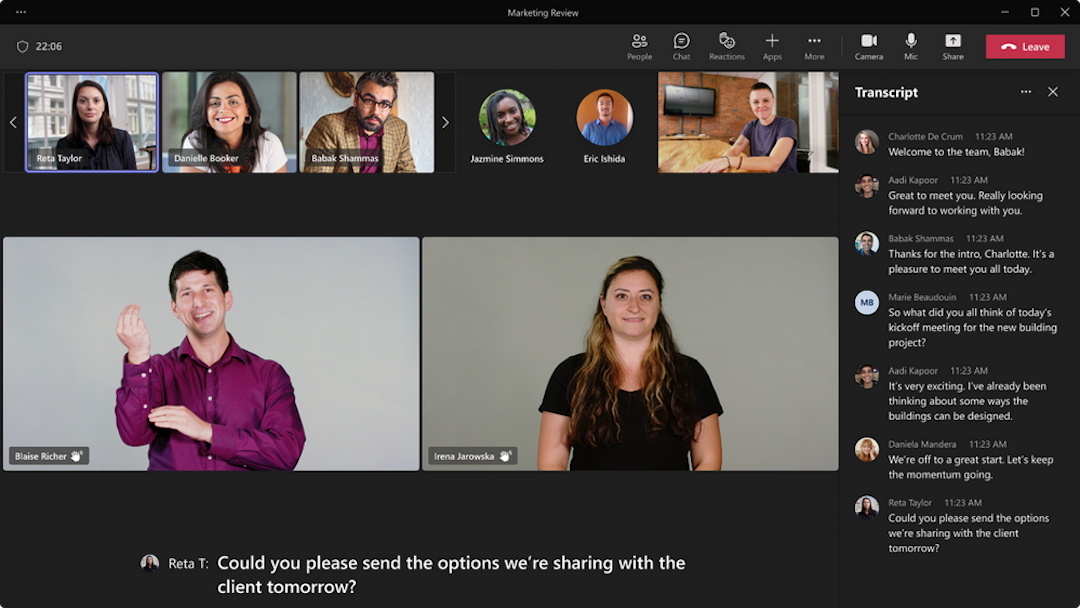
To aid users who are hard of hearing, Microsoft has introduced a new sign language view to Teams, allowing them to prioritize interpreters during meetings.
From now on, those who require sign language interpretations can have up to two signers remain in consistent locations during a video call, with those segments enlarged in an appropriate shape and size so that the signs are visible.
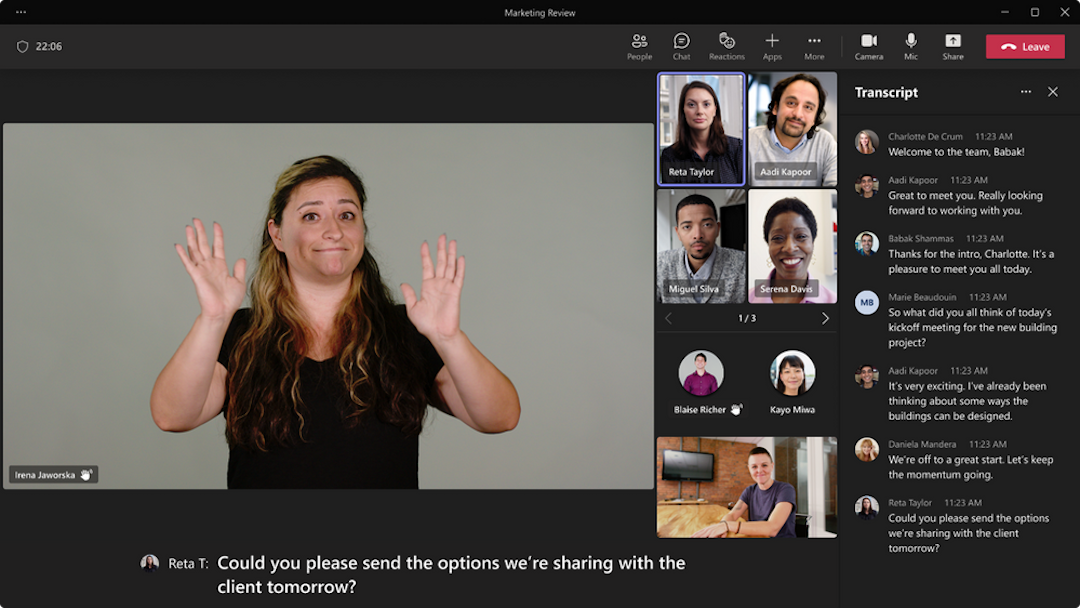
The interpreters’ videos will remain more prominent even when slides or other screens are shared during the course of the meeting, removing the need for users to repeat mundane tasks like pinning their interpreters’ screens or turning on captions at the start of each call.
In addition, this new view makes certain accessibility settings “sticky,” so users will no longer have to toggle their pins or screens each time they start a call.
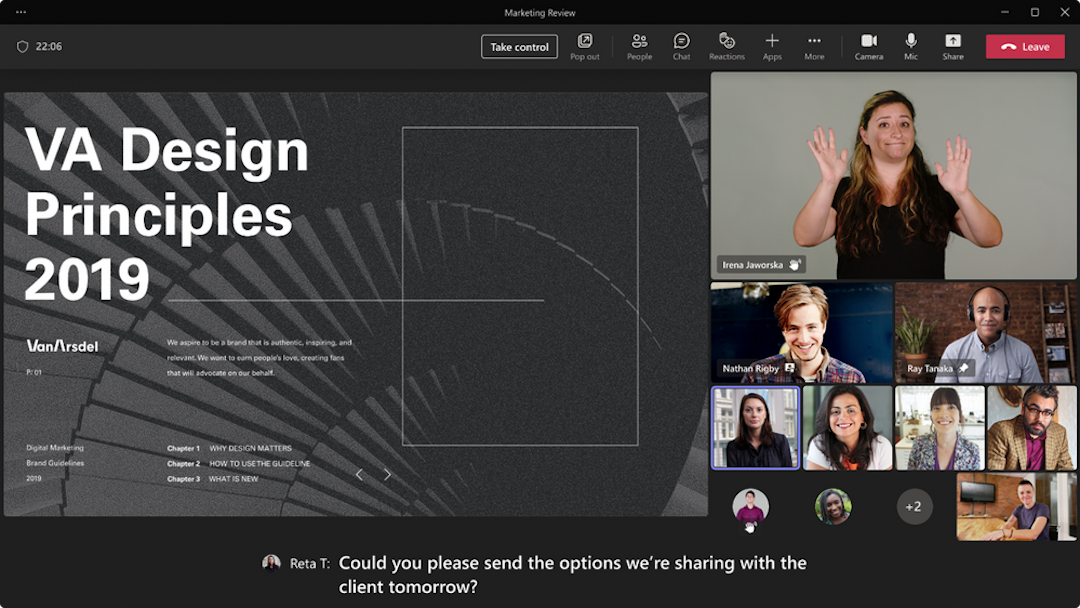
According to Microsoft, when the sign language view is enabled, a user will see prioritized video streams appear automatically, adjusting to the correct aspect ratio and streaming at the highest available quality all on its own.
“Setting these preferences in advance makes it easier to join calls more quickly, so you can catch those first few minutes of chitchat or dive right into a deeper conversation,” the company explains.
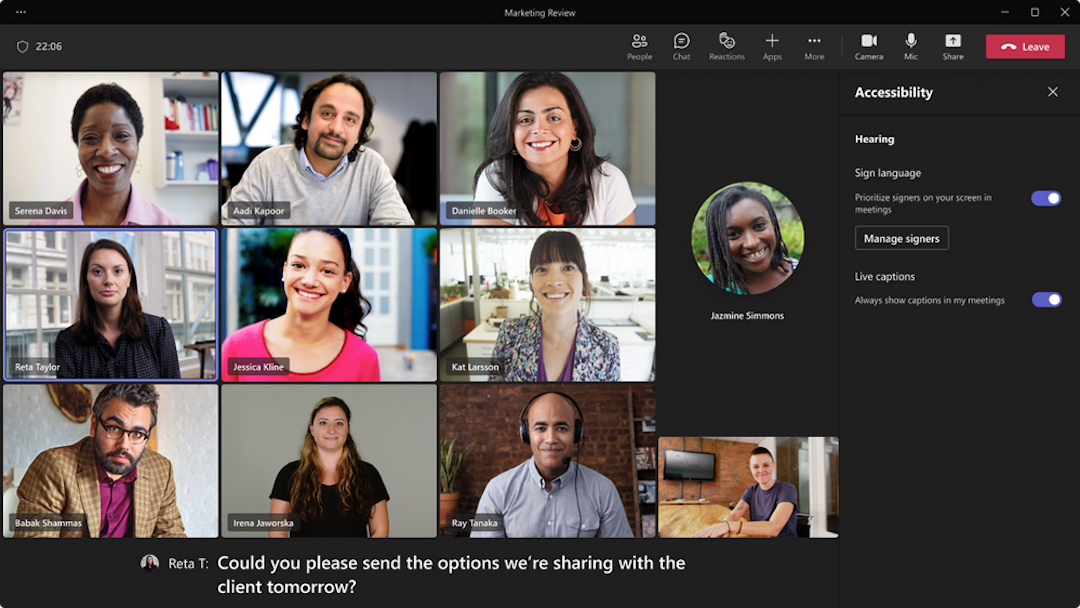
Deaf or hard of hearing users can now select the sign language view and accompanying accessibility settings in Public Preview. The new mode will roll out to commercial and government customers in the coming weeks.


