
Google Chrome Adds Memory-, Energy-Saving Modes To Speed Use Up On Your Desktop
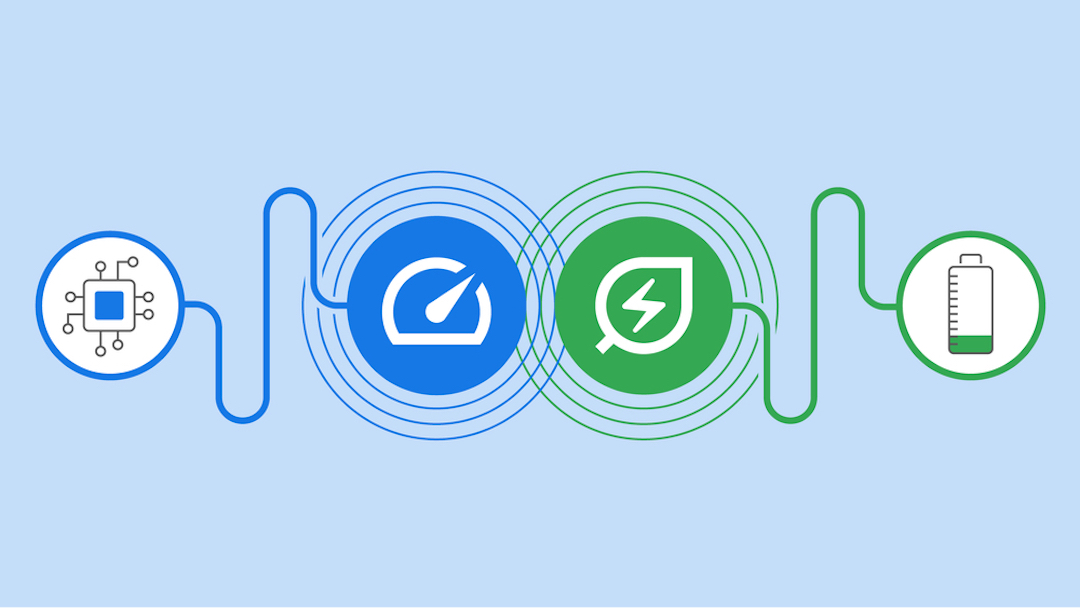
Soon, Google Chrome will take up less energy and memory space on your device, as the technology giant has announced a slew of new features coming to the web browser that’ll help speed things up, especially for those guilty of hoarding dozens of open tabs.
Over the coming weeks, Chrome users on Windows, macOS, and ChromeOS worldwide will be able to start toggling their browsers with a ‘Memory Saver’ and ‘Energy Saver’.
Memory Saver, which is ideal for people who have way too many tabs open, will automatically shut off tabs that aren’t active to save memory space.
Image via Google
On the other hand, Energy Saver will allow the browser to run more smoothly on low-powered devices, such as laptops with batteries that have hit the dreaded 20% mark or less. This function will automatically restrict background activity, images, and videos that aren’t being used.
Image via Google
Google claims the two changes will reportedly use up to 40% and 10GB less memory on computers, and help those struggling to find a charger extend their battery lives when juice is running low.
These new features will be found in the controls under the three-dot menu in Chrome, and users will be allowed to toggle between switching them on or off. You’ll also be able to delist certain websites from the Memory Saver function and keep them active at all times.
Head here for more information on the changes coming to your Chrome browser real soon.


