
Adobe Releases AI Tool To Make Your Shabby Audio Recordings Sound Professional
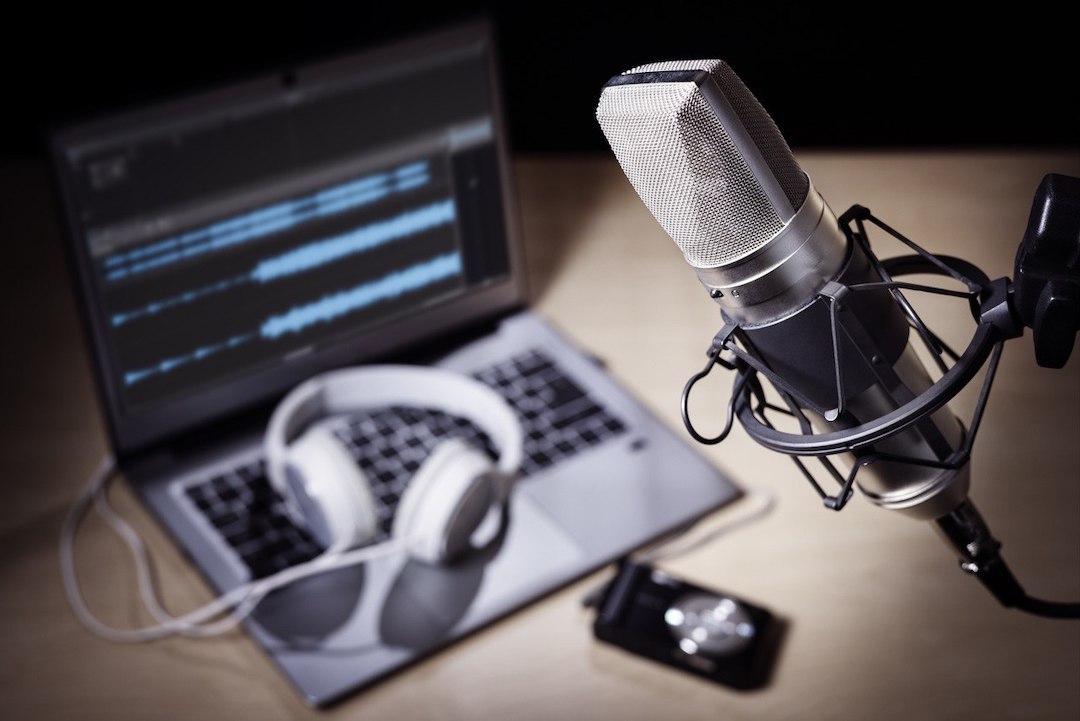
With Adobe’s latest sound feature, you may not need a professional mic to begin your podcast or voice-acting journey.
The tool, called ‘Enhance Speech’, takes in audio clips and cleans up the sound by removing unwanted background noise, making your recording sound as if you had captured it on high-end equipment.
So how does artificial intelligence automatically enhance your audio? Adobe has not given out any specifications on how the model works, but Ars Technica does have some theories of its own. It suggests that the company has fed the system thousands of hours of clean and noisy audio to pick out the frequencies of human voices. This means that once you put in your own sound bite, it can distinguish your voice and eliminate all other noise.
A sample made by Adobe has someone record from a room with the window open and noise from the street below filtering in. When you press the ‘Enhance speech’ button, the speaker’s voice comes through clearly with no background noise to be heard.
That being said, Hacker News reports on phantom sounds where the AI has mistakenly identified background noise for a voice from noisy audio and non-English speaking sources.
If this sounds like something you’ve been looking for, try it for yourself here. Enhance Speech is free to use with an Adobe Creative Cloud account. After that, you can upload an MP3 or WAV file of up to one hour long or 1 GB in size. The entire process will only take a few minutes before you’re presented with audio where no one can tell if it was recorded in a studio or a busy area.
[via Ars Technica and TechRadar, Photo 218932766 © Flynt | Dreamstime.com]


