
Apple iPhone Feature Lets You Fake Eye Contact On FaceTime
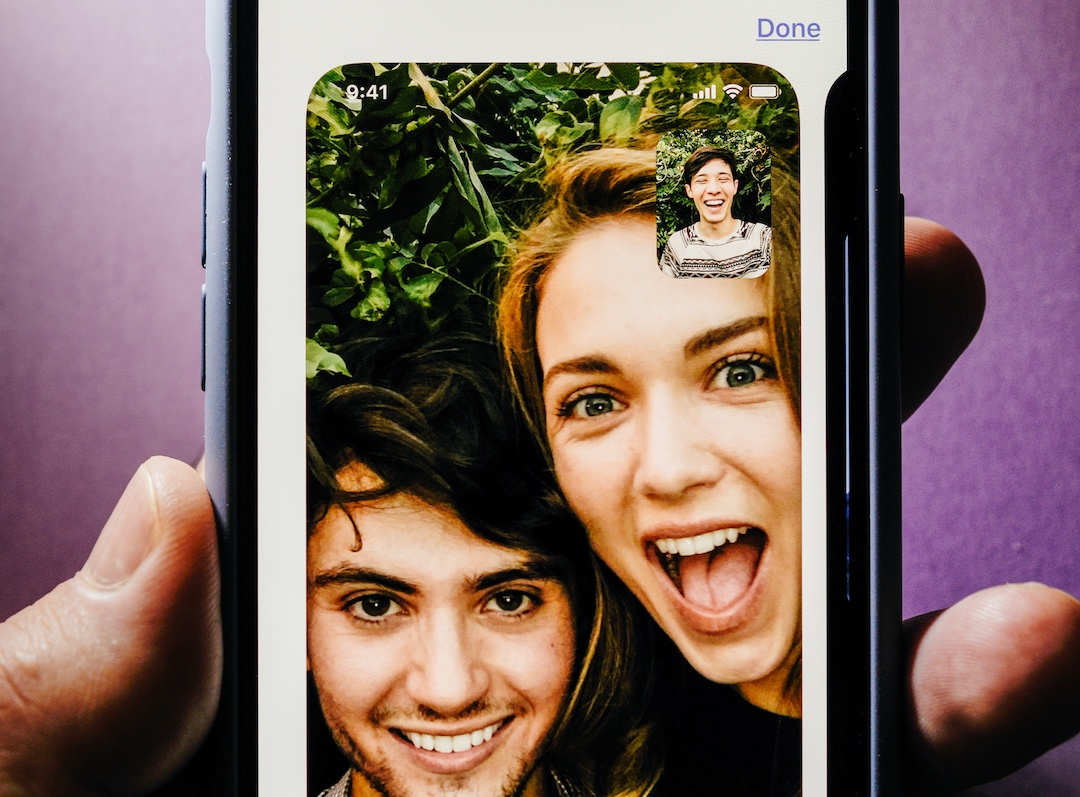
Much of body language is conveyed from the eyes—it doesn’t matter if you’re talking to someone in person or via a virtual call. In real life, if you’re shy, one trick to mimic eye contact is by gazing between the other person’s eyebrows. Well, it turns out that this cue is much easier to fake in the digital world, where you can not only hide behind your keyboard but also virtually-manipulated peepers.
Inverse shares that all iPhones installed with iOS 14 or newer hold a magic feature called ‘Eye Contact’. When activated, the setting forces your onscreen eyes to retain contact with the camera even when the real you is looking away.
‘Eye Contact’ is built for FaceTime, and it’s powered by Apple’s ARKit, which enables the realistic visualization of 3D objects in the real world.
Apple introduced ‘Eye Contact’ in 2020, when video meetings were the “new normal” but still made people extremely uncomfortable. In beta, the feature was dubbed ‘Attention Correction’, but the pandemic had likely propelled a name switch to reflect the times.
“FaceTime can make video calling more natural by helping you establish eye contact even when you're looking at the screen instead of the camera,” the Cupertino tech giant explains on its website.
Though, perhaps you’ve been passing off as more confident than you truly are in the recent years of FaceTime use. That’s because ‘Eye Contact’ is switched on by default for iPhones XS and newer.
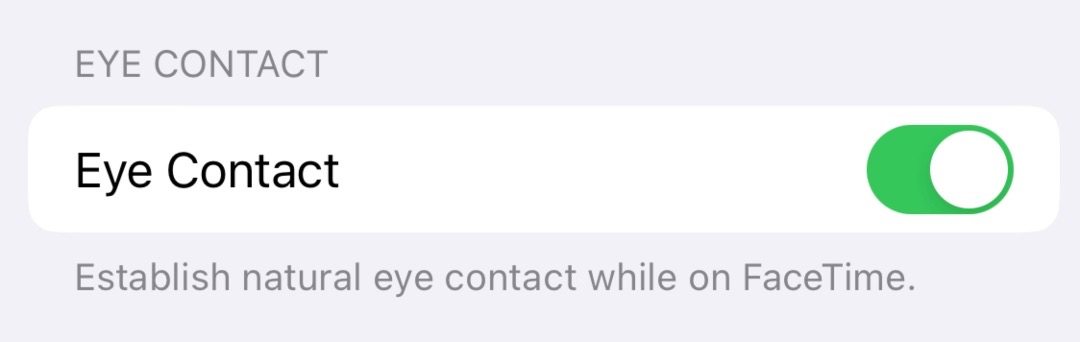
If a computer-generated stare does unsettle you, you can also toggle the setting off. Just head to your settings, then look for ‘FaceTime’, and hit ‘Eye Contact’. And there you go, you can be your natural self again.
Inverse brought up the feature just as Nvidia announced ‘Eye Contact’, a similar AI feature for its video conferencing software that realistically corrects the gaze, even remembering to blink.
[via Inverse and AppleInsider, images via various sources]


