
Google Gives Workspace Apps A Makeover To Deliver ‘More Flow, Less Work’
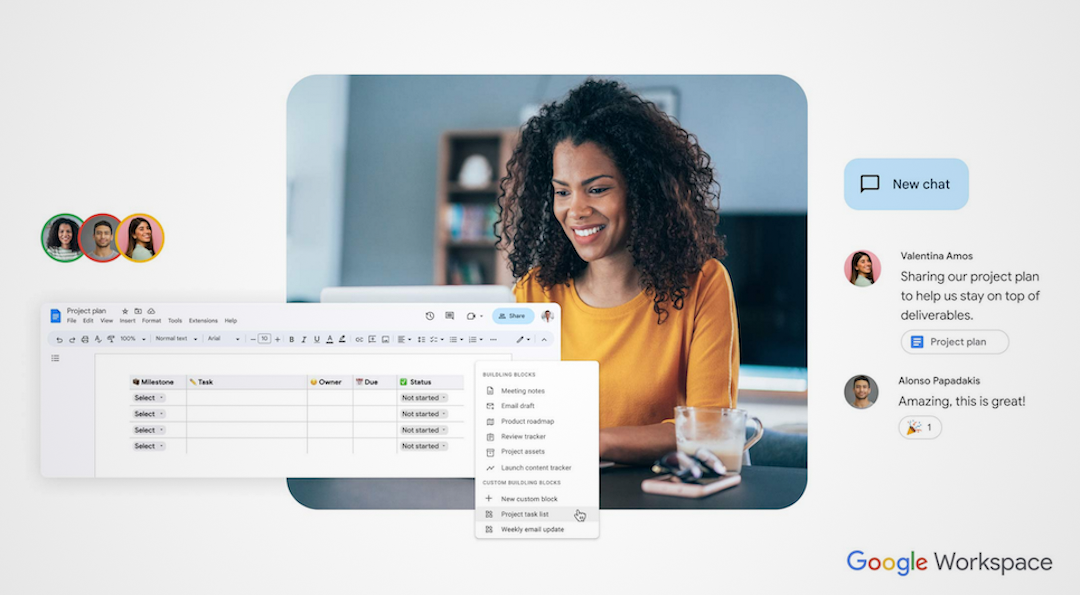
Ever since the pandemic, the boundaries between work and life have remained blurred. It’s now typical to be conversing with coworkers from all over the globe, some of whom may be situated in offices hundreds of miles away or in the comfort of their own living rooms.
As such, Google has given its Workspace experience a facelift, so the tools allow for collaborative work to be as seamless as possible. To achieve this, the technology giant has redesigned Drive, Docs, Sheets, and Slides to match the simplified interface that previously debuted on Gmail.
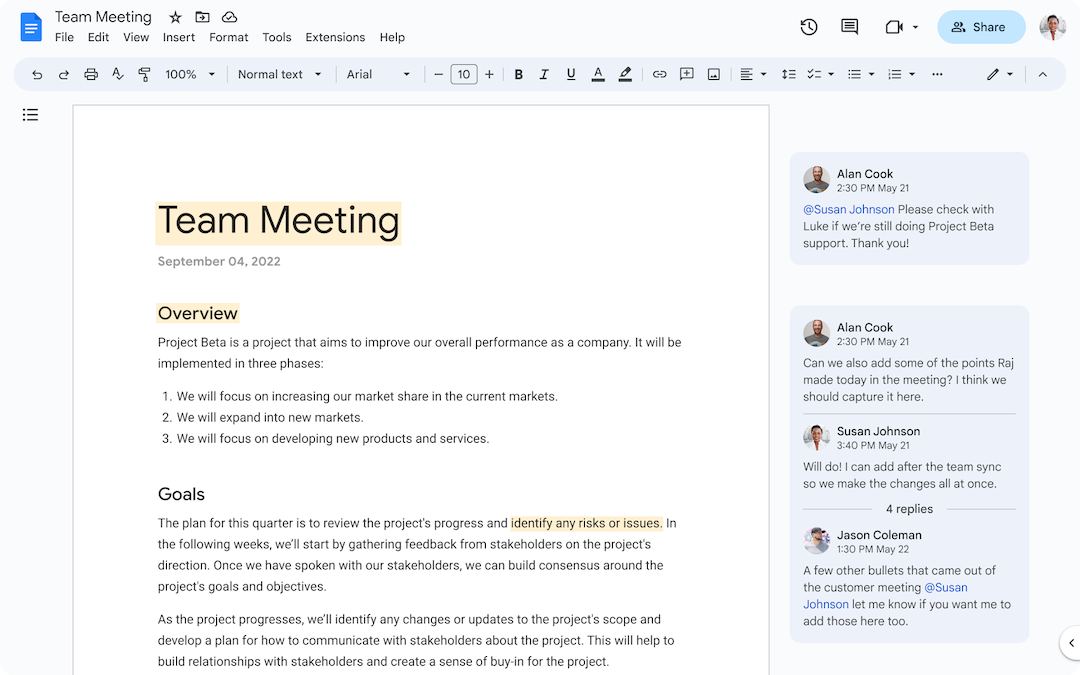
According to a blog post, the company will be visually updating the apps’ rulers and comments, with the companion bar located at the side of the canvas hidden to create more space for content. Groupings in the toolbar will be moved to help users find frequently used actions faster.
Google Drive users can access different types of documents more conveniently through a drop-down menu located at the top of each page. In addition, just by hovering over a file, one can select actions such as sharing, downloading, or editing it.
Image via Google
In addition, search chips will allow for files to be filtered by type, owner, or last modified date, so it’s easier to locate the exact document you’re looking for. While these changes may not seem major, Google noted “it’s the little changes in life that add up to a big impact over time.”
Some inclusions could make work less mundane, such as the inclusion of emoji-style voting on comments so users can react to coworkers’ contributions in just one click. Plus, a ‘Data Extraction’ feature will let others preview Google links directly from a spreadsheet.
Image via Google
For those who spend a lot of time on Sheets, shortcuts can be accessed via the ‘@’ symbol, revealing a dropdown menu for you to select custom templates. Simply key in “@today” to avoid typing in each date or enter a company’s name to add a real-time stock ticker.
Google hopes this update will help users get more done in less time, by adding an “intuitive set of capabilities” to speed up work that is already familiar to many on a daily basis. The updates will be rolling out over the coming weeks.
Image via Google


