
Midjourney Somersaults With Image-To-Text Feature For Discovering Prompts
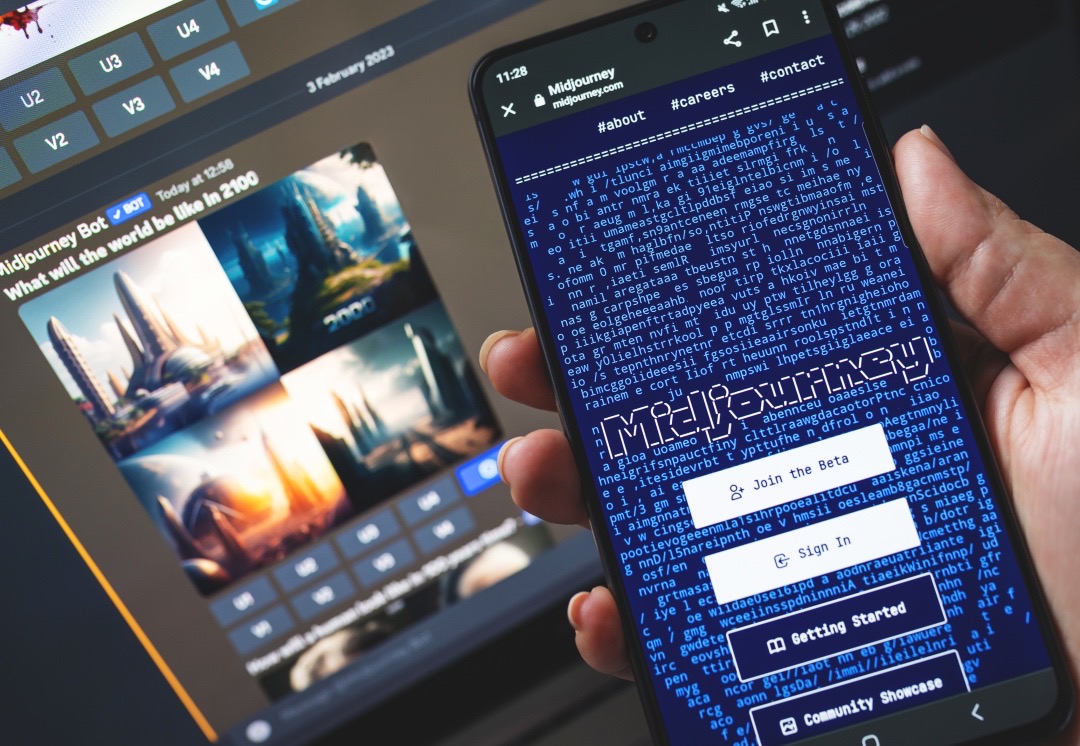
Photo 269325142 © Salarko | Dreamstime.com
If you’re a writer, finding the right visuals to pair with text can sometimes be different. And if you’re an artist or photographer, the perfect words may sometimes escape you. Midjourney’s latest feature could be helpful for both scenarios. It turns the usual text-to-image concept on its head, allowing users to translate images into potential text prompts—and in doing so, dream up more art.
The AI art generator has introduced a new ‘/describe’ command that reverse-engineers images into keywords. You can then use the textual output to study a style or genre, or inform new artworks.
Today we're releasing a /describe command that lets you transform images-into-words. Give it a shot! We think this tool will transform your liguistic-visual process both in terms of creative power and discovery.
— Midjourney (@midjourney) April 4, 2023
I asked Midjourney v5 to '/describe' some logos, to see how it would create prompts for them, and to see what it would create in response.
— fofrAI (@fofrAI) April 4, 2023
Starbucks pic.twitter.com/EiKujhTl1w
To trigger the option, you enter ‘/describe’ in the text field, where you’d normally write ‘/imagine’, on the Midjourney Discord server. This brings out a drag-and-drop box to upload your image into.
As with the original text-to-image function, the ‘Describe’ feature yields four text descriptions per source image. You can use one of those results, perhaps even tweak an element or two, to generate related artwork.
The new /describe feature in @midjourney is REALLY good. The first image is the original image that I uploaded the other images are the suggested prompts it generated (that are BETTER than the original) pic.twitter.com/k37X9chK6V
— Matt Wolfe (@mreflow) April 3, 2023
Midjourney’s new /describe feature is pretty wild… pic.twitter.com/xRiYfjcb9z
— junk。culture (@junkcultureNFT) April 3, 2023
I asked MidJourney to /Describe my recent YouTube thumbnail, then generated an image from that prompt pic.twitter.com/7W52PQpOmA
— Tyler Stalman (@stalman) April 4, 2023
With that said, like image-to-text, text-to-image generations also take up credits. Don’t go too crazy if you plan to ration them out.
Besides serving as another tool for inspiration, the ‘Describe’ feature might be useful for generating alt-text quickly, says creative technologist Paul DelSignore (via PetaPixel). This could open up more corners of the web to people with visual impairments.
Startlingly, the /describe command does reveal artist and photographer names too, churning out phrases like “in the style of Iris van Herpen.” This means it’s possible to trace generative artworks back to their originators, and it can help back creatives’ suspicions that their work may have been fed to a bot without their permission.
🚨 New Midjourney Feature 🚨
— Linus (â—á´—â—) (@LinusEkenstam) April 3, 2023
/describe
1ï¸âƒ£ Upload Image
2ï¸âƒ£ Get 4 suggested text-prompts back
3ï¸âƒ£ Try generating new images based on the prompts
This is super powerful 💪 🔥
🧵 A quick thread on how to use it pic.twitter.com/f1e9xaC78y
It should also be noted that the resulting keywords won’t be perfect, with the AI spitting out words like “trendercore,” “political minimalism,” and “campcore.” It’d be wise to look for your poetry muse someplace else.
Midjourney just launched a new command:
— Pietro Schirano (@skirano) April 4, 2023
/describe.
It's basically a super powerful tool for reverse-engineering any image.
Use it at your own discretion... 😠pic.twitter.com/InHmViyilB
[via PetaPixel and THE DECODER, images via various sources]


