
Adobe Premiere Pro Introduces Its Fastest Version Yet With AI Text-Based Editing
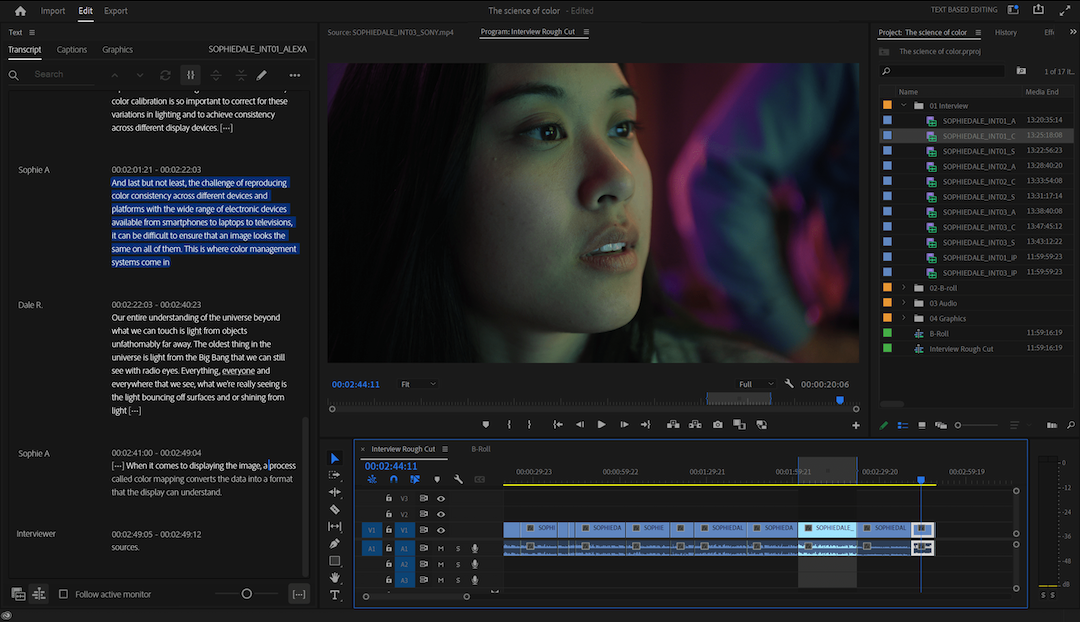
Creative projects have literally picked up the pace in the past months. Now, in tandem with the evolution of artificial intelligence, Adobe Premiere Pro is introducing AI-powered text-based video editing, among other automated features, in its latest shipment, which it bills as its “fastest version” yet.
The most compelling feature to join the software is the Adobe Sensei-powered ‘Text-Based Editing’, which aims to make video edits as straightforward as copying and pasting text on a word processor.
What the new textual editing option does is automatically scan and transcribe clips, so editors, assistants, and producers can easily perform rough cuts by, say, deleting text from transcripts to shorten interviews.
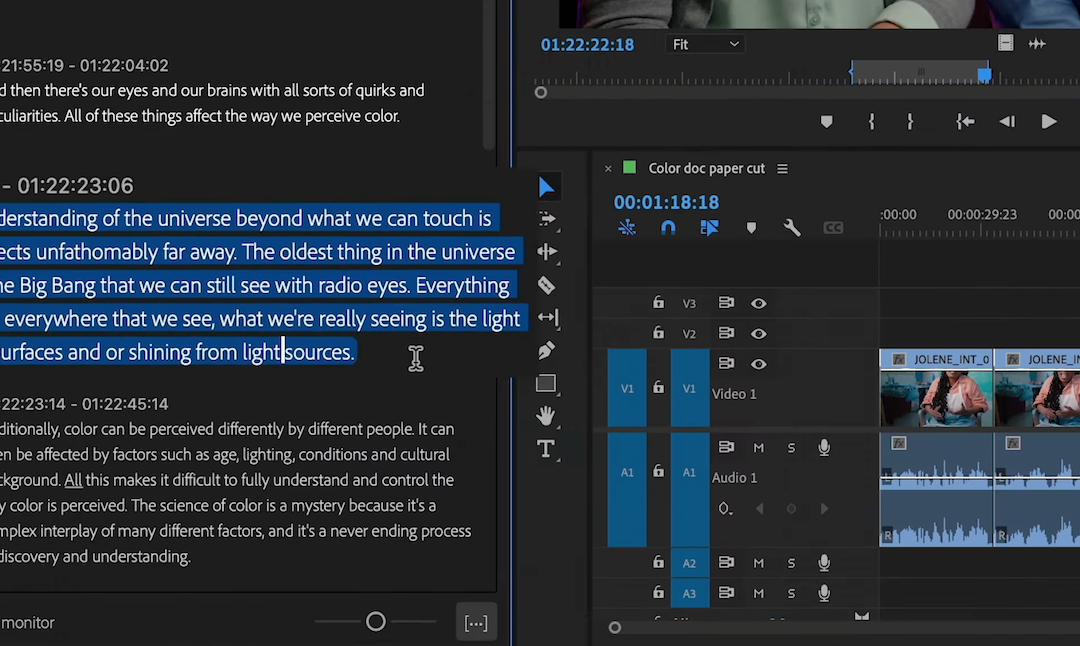
“Simply copy and paste sentences into any order [you] want and
instantly see them appear on the timeline,” Adobe explains.
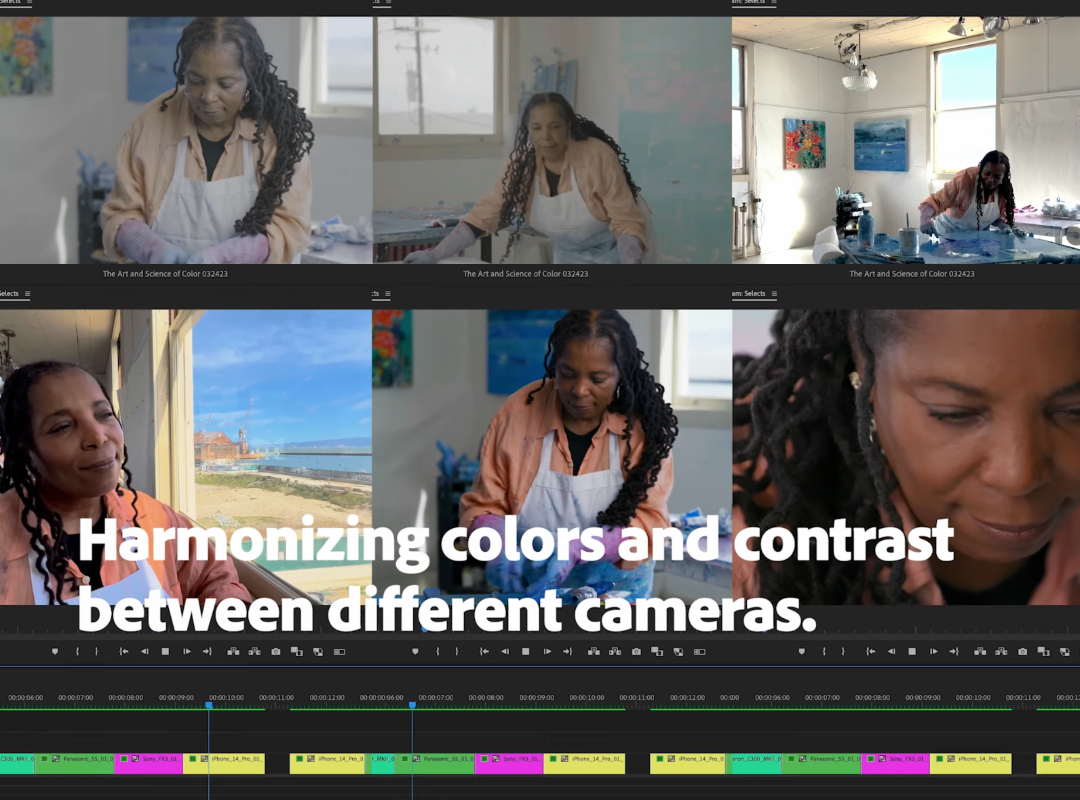
Another feature to embrace is ‘Automatic Tone Mapping’, which allows you to upload HDR footage from different sources and have the videos instantly color-graded with a consistent palette. With this addition, users will no longer have to make manual color balances.
Elsewhere, Adobe has enhanced collaborative editing with new options like ‘Sequence Locking’ to make sequences view-only to others, as well as ‘Work While Offline’.
Performance-wise, the latest version of Premiere Pro is boasted as its “fastest” thanks to numerous under-the-hood improvements and features like background auto-save and system reset.
Adobe explains that the new automated innovations tackle creators’ snowballing need to overcome time-intensive tasks to refocus their time and energy on “shaping the stories they want to tell.”
Such accelerations enable producers to “meet insatiable demand for standout content,” adds Ashley Still, senior vice president of the Creative Product Group and Digital Media Growth at Adobe.
View the video below for a less-than-minute-long rundown of the latest version of Adobe Premiere Pro, and read Adobe’s full blog post here to learn more.
[via Adobe, images courtesy]


