
Apple Unleashes The Power Of Widgets And Game Mode In Mac Sonoma
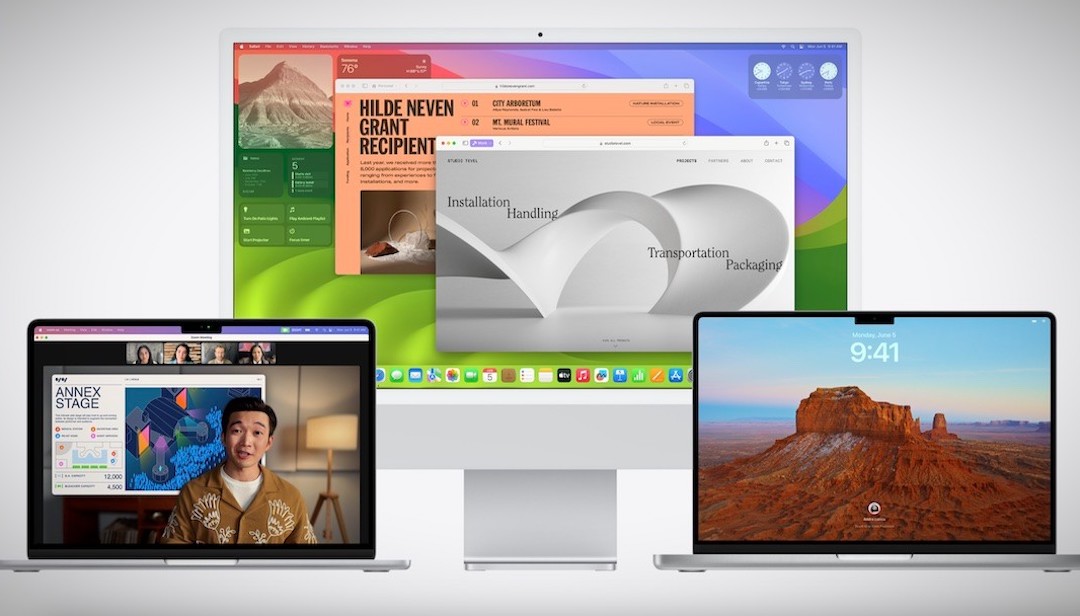
The addition of Widgets changed the landscape of the iPhone, delivering a more intuitive user experience. With the upcoming macOS Sonoma, Apple is introducing Widgets and a range of other exciting features alongside its new 15-inch MacBook Air range.
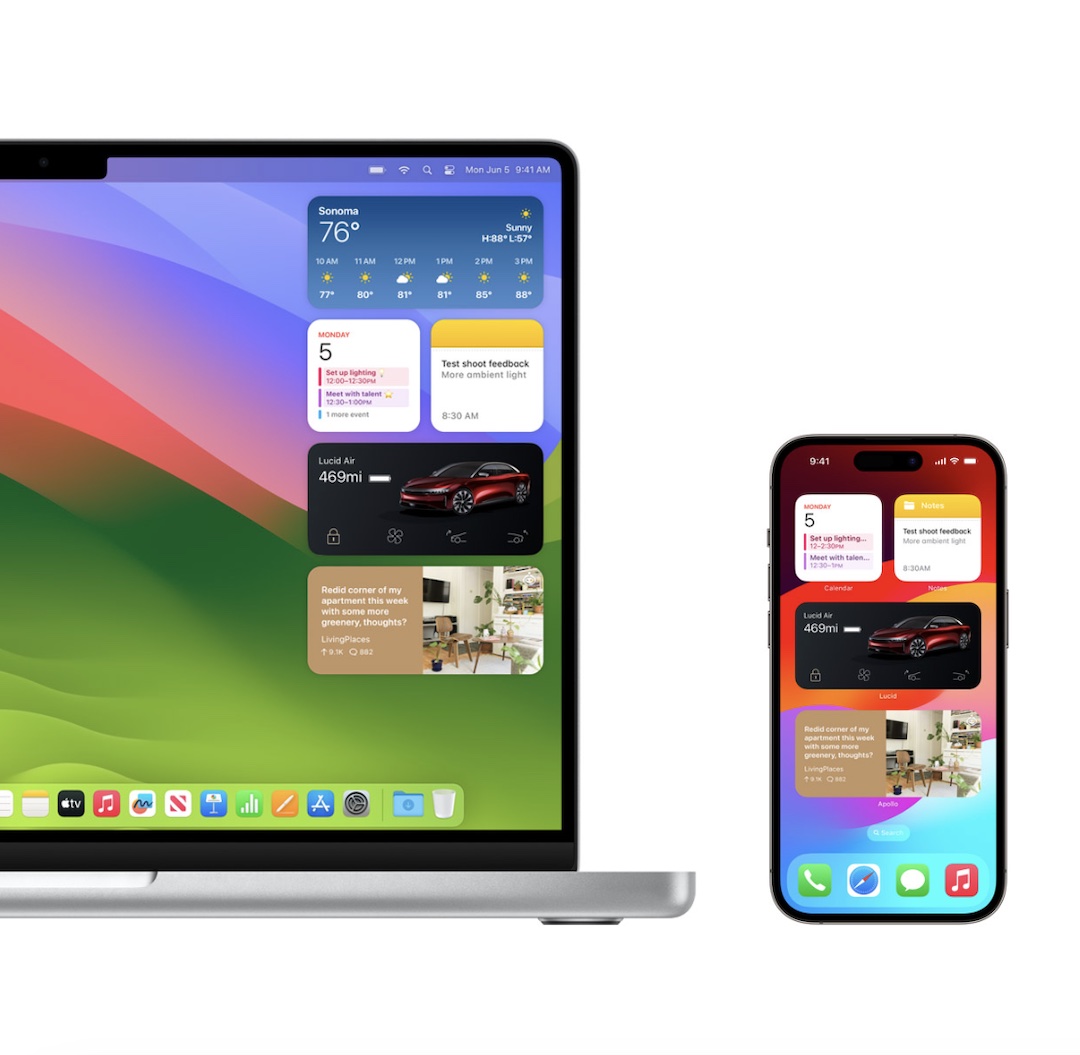
Widgets can now be directly added to your desktop and effortlessly rearranged to suit your preferences. When one widget is used, others will gracefully fade away to ensure they don’t hinder your productivity. Moreover, thanks to Continuity, the setup you have on your iPhone can seamlessly transfer to your MacBook.
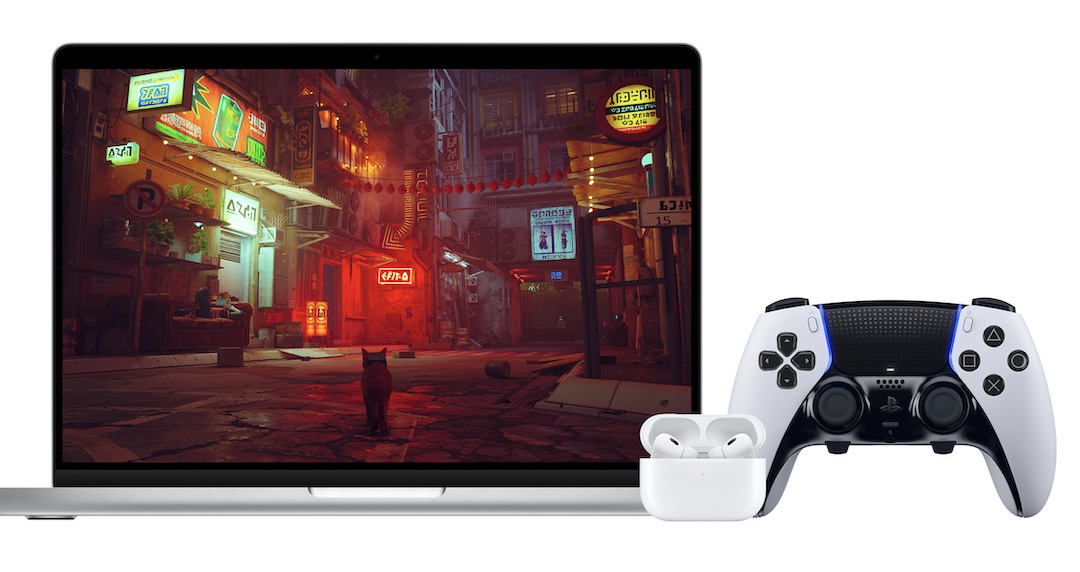
On the gaming front, MacBooks haven’t traditionally been the go-to choice due to their perceived limitations with being able to run video games. However, the new OS introduces a ‘Game Mode’ that optimizes CPU and GPU performance by reducing background tasks. This enhancement offers a smoother gaming experience with higher frame rates.
Additionally, Game Mode minimizes audio latency in AirPods and doubles the Bluetooth sampling rate to reduce input latency with other wireless accessories like your PlayStation or Xbox controller. It supports various titles, including upcoming games specifically designed for macOS.
In other developments, during video calls, users now have the option to enable a ‘Presenter Overlay’ that places them on top of slides, browser tabs, or any other displayed content, integrating it into the background. Furthermore, hand gestures can control various effects during calls without button presses. There is also a new function that allows you to attach your iPhone as a webcam.
Video via Apple
Safari users will benefit from a new feature that allows them to separate their work, personal, and other types of browsing, preventing tabs from getting mixed up.
The beta version of Sonoma is currently available for testing through the Apple Developer Program, with a public launch scheduled for next month. All Mac users can expect access to Sonoma this fall.


