
Samsung Boosts Phone Photography Powers With New Suite Of Editing Tools
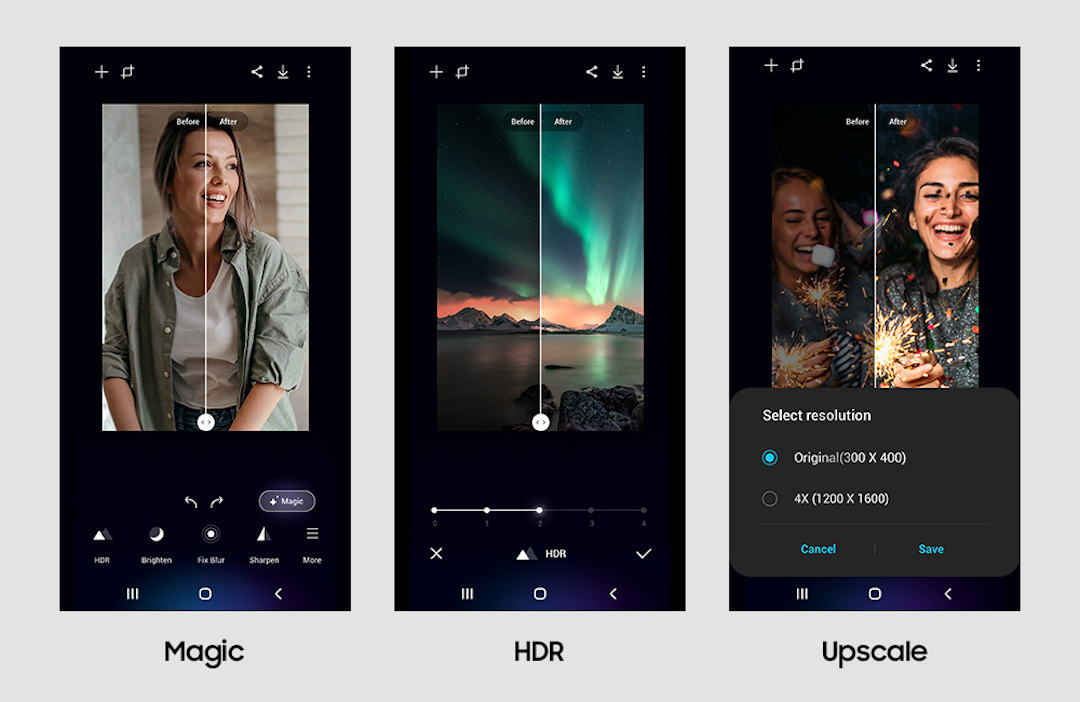
These days, editing pictures on your phone is like having a portable photo studio in your pocket. With a tap and a swipe, you can transform ordinary shots into masterpieces—or at least Instagram-worthy pics. With Google’s Magic Photo Editor and Apple’s toolbox of editing features, creating the perfect shot post-production has never been easier. Samsung is adding itself to the list by introducing Enhance-X, a new upgrade that allows owners of high-end models to transform their images.
First up is the Enhance-X app’s ‘Magic’ feature, which promises to be a “one-stop solution able to make comprehensive yet intuitive enhancements to your picture.” Users need only tap on the image, and a deep-learning AI will automatically refine blur, low details, and visual noise and improve its overall quality.
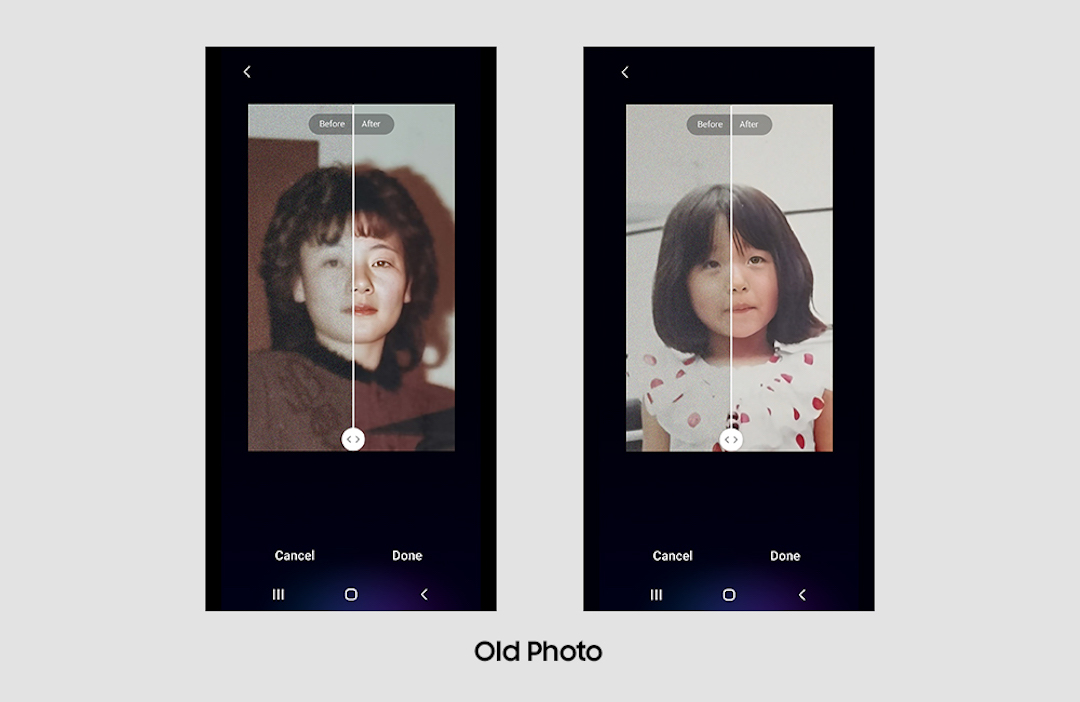
Next, old or damaged photos can now be restored using generative AI. Samsung states that devices can now bring blurry and faded photographs back to life as the system will touch up and add details to the faces and surrounding parts of the image to make it seem like it was taken yesterday.
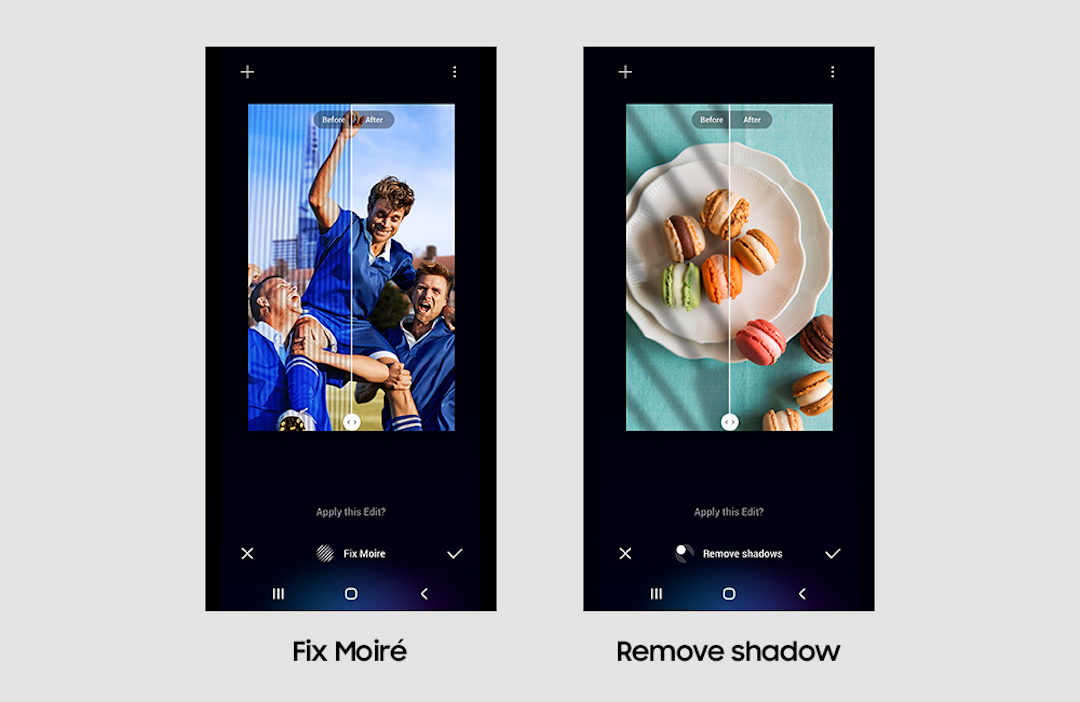
‘Fix Moiré’ is another feature that can eliminate those pesky wavy lines you get when you take a picture of your laptop’s or television’s screen. And with ‘Remove Shadows’, your phone can, well, remove shadows. It’s essentially meant to touch up ruined shots taken in bright places.
With ‘Fix Lens Distortion’, all those days of taking wide shots or panoramic pictures, only for you to later discover that the camera has completely widened you or another subject out will soon be behind. The tool will restore distorted objects to their original shape.
That’s not all the app can now do; its other features include ‘Brighten’, ‘Fix Blur’, ‘Sharpen’, ‘Remove Reflection’, and its ‘Portrait’ and ‘Face’ features will adjust lighting for portrait shots.
The app is now available for devices in the Galaxy S series, Z Flips and Folds, and the Note 20, all of which must be running One U1 5.1 or higher.
[via Lifewire and Android Central, images via Samsung]


