
Shazam Now Lets You Identify Catchy Songs From TikTok, Instagram & YouTube
You never know when you will run into your next favorite song. And what could have been a moment to dance to may quickly turn into desperation—if you miss your shot to find out the track name.
Thanks to Shazam, millions of clueless minds have been spared the frustrations. All one has to do is hold their phone to the music, and the app will reveal the song title.
However, so far, it remains a nifty lexicon of music for real-world situations, not so much for when you’re watching a video on social media. If you have heard a catchy tune while online and have tried to search through the comment section for the name of the song only to end up empty-handed, Shazam is about to come in to save the day once again.
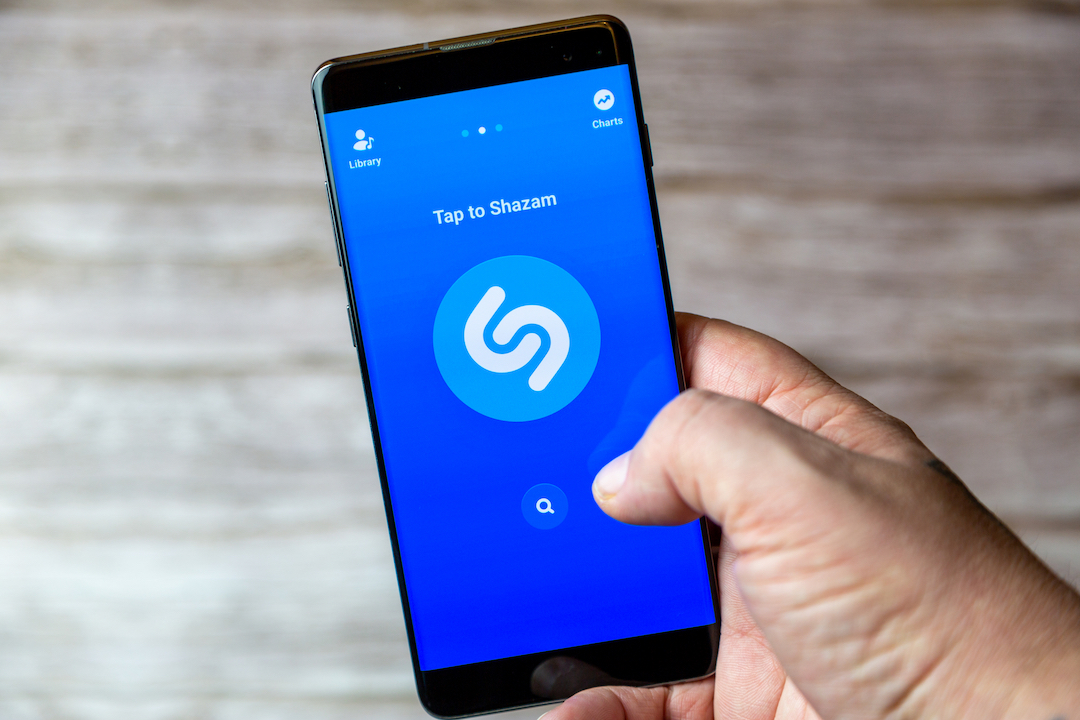
9to5Mac has first spotted a new feature on Shazam that can identify tunes on other sites like TikTok, YouTube, and Instagram. It works the same way: go into the app, press the blue button to start scanning, and then head back and start watching the video again. The feature taps into the device’s microphone to pick up the music, and when you go into Shazam itself, it will show the song’s information.
The feature will identify it for you and automatically add it to a log of all your previous searches. If you tag the tune, it will also add it to your Shazam playlist in Apple Music.
A more straightforward method would be to use the Song Recognition feature in the iPhone’s Control Center, which Apple has recently added after buying over Shazam. Instead of going into the app to start scanning, you can do so just by swiping the Control Center down and turning it on.
Shazam’s latest version, 15.36, can now be downloaded for free on the App Store.
[via 9to5Mac and MacRumors, Photo 209900865 © Gary Hider | Dreamstime.com]


