
Apple’s iOS 17 Lands—Here Are Creative Hidden Features To Simplify Your Life
Screenshot via Apple
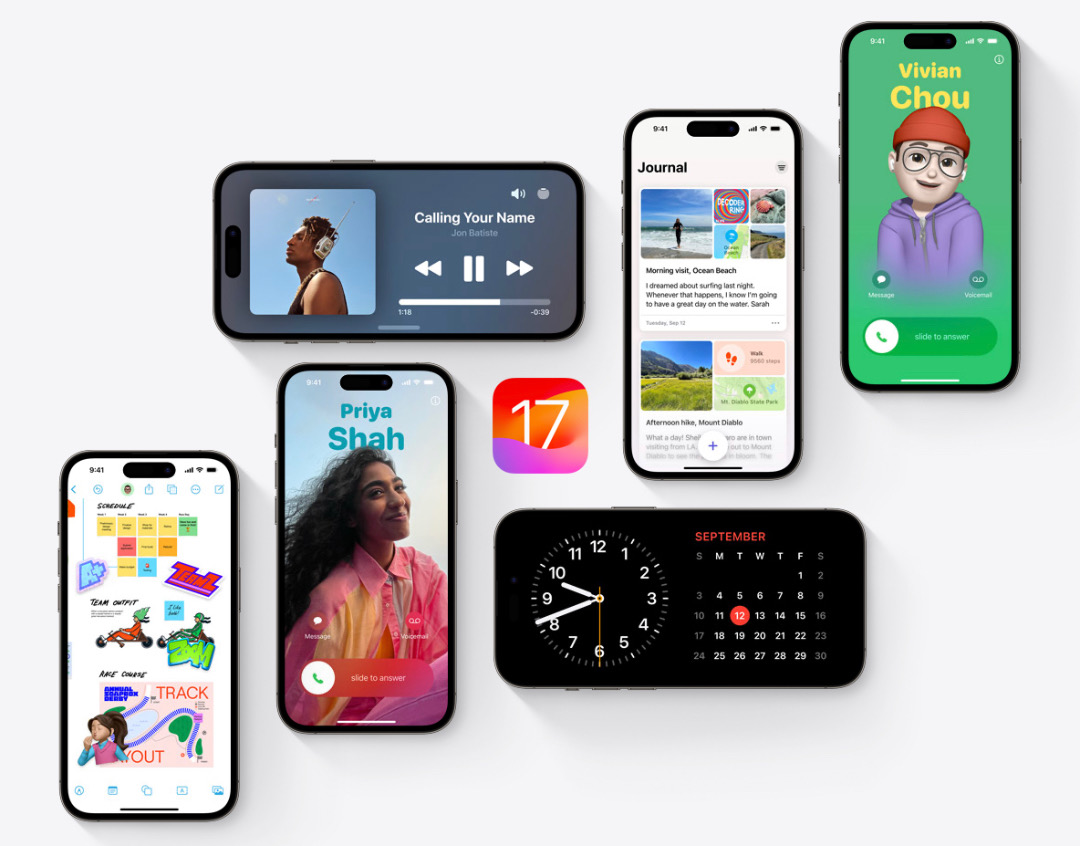
Apple’s iOS 17 has arrived as a fresh companion for the new iPhone 15 lineup. The update is now available for iPhones Xs and newer.
The release introduces new exciting features like ‘Contact Posters’, which enables users to dynamically personalize how others will view incoming calls from them and create striking first impressions. There’s also ‘StandBy’, which projects essential information while your phone is locked and charging, and the new Journal app, where users can document their daily events and get in touch with their feelings.
But what about the additions you don’t know about? Below, we’ve rounded up some creative but less-advertised features that might streamline your day-to-day routines. Call these productivity hacks, if you will.
Crop photos with zoom
In iOS 17, if you zoom into a photo in Photos, you get a button in the corner to instantly crop the photo to the zoomed frame. pic.twitter.com/OgVy59Gegt
— Adan (@durreadan01) June 10, 2023
Instead of tapping on ‘Edit’ to crop a photo, you can now do so by pinching to zoom into the image to cut off its sides. This prompts a ‘Crop’ button to appear.
Take a picture to decipher laundry symbols or find dinner inspiration
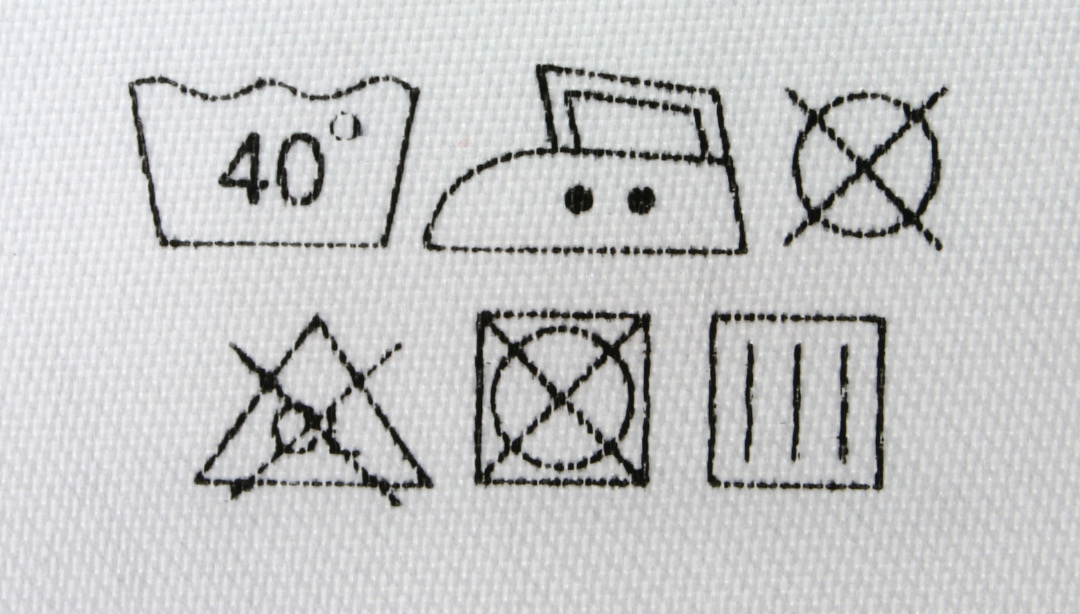
Photo 428133 © Kmitu | Dreamstime.com
Apple’s Visual Look Up, which lets you find out more about specific subjects in photos, is now even smarter. Besides being able to identify plants and popular landmarks, it can also help you decipher tricky laundry symbols.
To decode a clothing tag, snap a picture of it, and then open the photo and tap on the icon next to the trash can. You’ll be shown a washing machine icon, which you can tap on to find out more about ‘Laundry Care’.
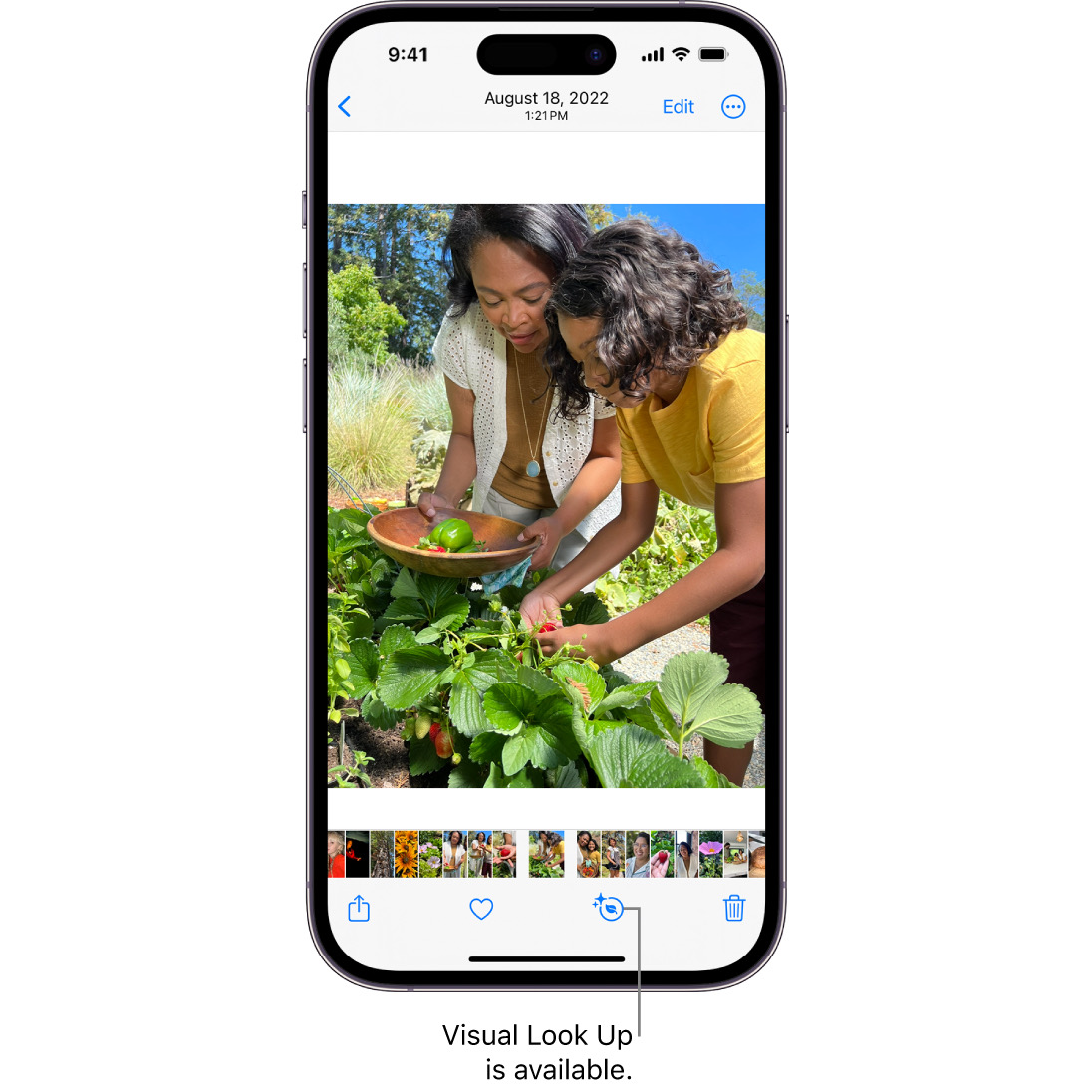
Image via Apple
In a similar vein, you can look up food items in photos to discover recipes for dinner inspiration. Interestingly, Visual Look Up can also translate symbols that appear on your car’s dashboard.
Switch off the lights from your Home Screen
In iOS 17 Take action with just a tap:
— T_NEWS (@SEPEHR_WOORLD) August 17, 2023
Play music, turn off the lights, and more. Right from a widget. pic.twitter.com/o4C63pU20R
The widgets displayed on your Home Screen are finally interactive. Previously, they served as mere shortcuts to their corresponding apps, meaning you could only access those toggles after launching those apps. Now, you can check off to-do lists, play music, and even switch off smart light bulbs from the outside.
Annotate notes with Live Stickers
Video screenshot via Apple
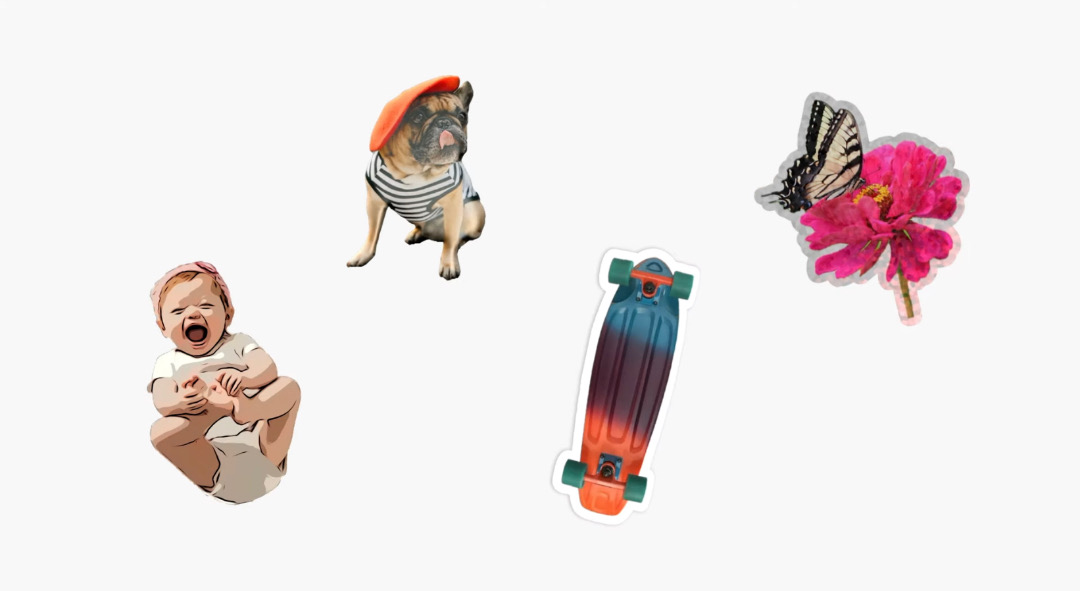
If you’re one to adorn your notes with colors and drawings, you’ll probably enjoy Apple’s new Live Stickers functionality that will brighten up your quippings and more. The feature lets you cut out subjects from photos and use them like emojis.
As a system-wide feature, Live Stickers can be added to Notes and PDFs, accessible via the ‘markup’ icon, and even third-party apps so long as they support emojis.
Too lazy to read that article? Siri will narrate it
Web Articles
— Muhammad Ilyas (@mi0659) August 12, 2023
In Safari, there's a new Siri feature that allows the personal assistant to read a web article to you. As long as a site has Reader View available, you can say "Siri, read this to me" to have Siri read the content on the page. pic.twitter.com/nqkq1K6fmY
In the age of podcasts and audiobooks, Apple is now allowing iPhone users to read long features without actually reading them.
Simply open an article on Safari and command Siri to “read this.” Take note that this works only for pages that are compatible with the browser’s Reader View.
Locate photos of your pets in a jiffy
gm.
— BBJ (@bbjsol) September 18, 2023
The BEST thing ever is happening today.
iOS 17 is adding auto pet recognition on the photos app.
Game changer.https://t.co/l6lZNY1BR3 pic.twitter.com/FtTRrLUICd
As you might know, the Photos app is built with nifty technology that automatically sorts faces. Contrary to its name, the ‘People’ feature can now recognize cats and dogs too. You can name these furry faces to pull them up quickly in the future.
Which of these clever features do you see yourself using often?
[via Pocket-lint, CNET, 360-Reader, images via various sources]


