
Adobe Officially Releases Photoshop On The Web—Loaded With Generative Firefly AI
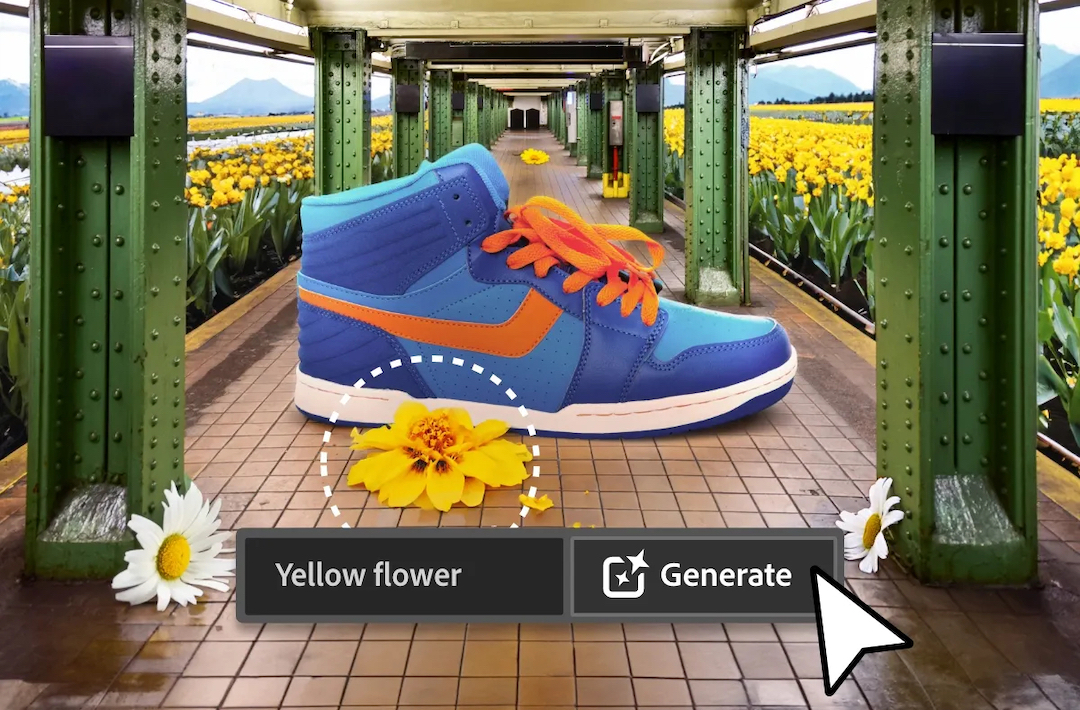
After seeking feedback from users across 40 countries, Adobe has finally announced the launch of Photoshop on the web—now available to all Photoshop plan subscribers.
With a user-friendly, streamlined experience, the web version of the imaging application will be a useful tool for both new and existing users.
Streamlined Experience
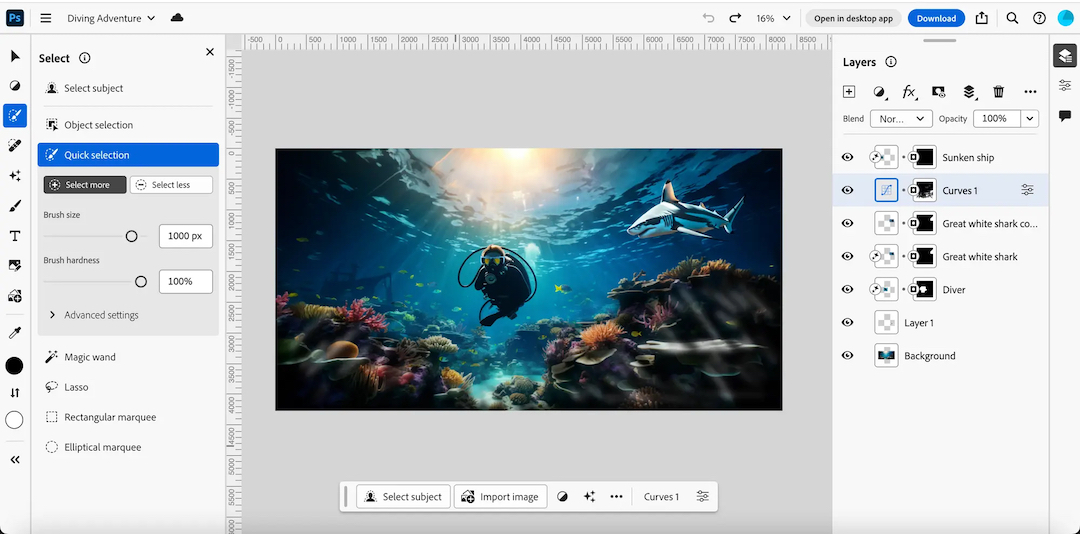
Adobe has organized tools in the toolbar based on specific workflows, simplifying tasks like retouching portraits or selecting objects in images.
In addition, the company has added tool names to the toolbar, making it more user-friendly for those unfamiliar with the platform’s icons.
For existing Photoshop users, one will be able to pick up from where they left off on any Photoshop document directly from a web browser.
Plus, if an individual prefers to work on certain steps on the desktop application, they can easily switch between the web and desktop versions with a click of a button.
Generative Fill & Generative Expand
Video via Adobe
The key highlight of the launch, of course, is the integration of Adobe Firefly generative artificial intelligence (AI) features, in particular Generative Fill and Generative Expand.
These tools will enable users to manipulate and enhance images non-destructively, matching perspective, lighting, and style seamlessly.
Individuals can even achieve impressive results by providing simple text prompts—which the application understands in over 100 languages.
Contextual Task Bar

That’s not all. Adobe brought the popular contextual taskbar, previously introduced in the desktop version, to the web.
This on-screen menu suggests relevant next steps in various workflows, reducing the number of clicks needed to complete tasks such as background replacement or adjusting lighting and tone.
While the web version doesn't yet have all the features of its desktop counterpart, there’s more coming its way, including favorites like the patch tool, pen tool, smart object support, and polygonal lasso.
[via Engadget and TechCrunch, images via Adobe]
This article was crafted with assistance from an AI engine, and has been manually reviewed & edited.


