
Apple Unleashes SF Symbols 5 Set, Bringing Over 5K New Icons For Developers
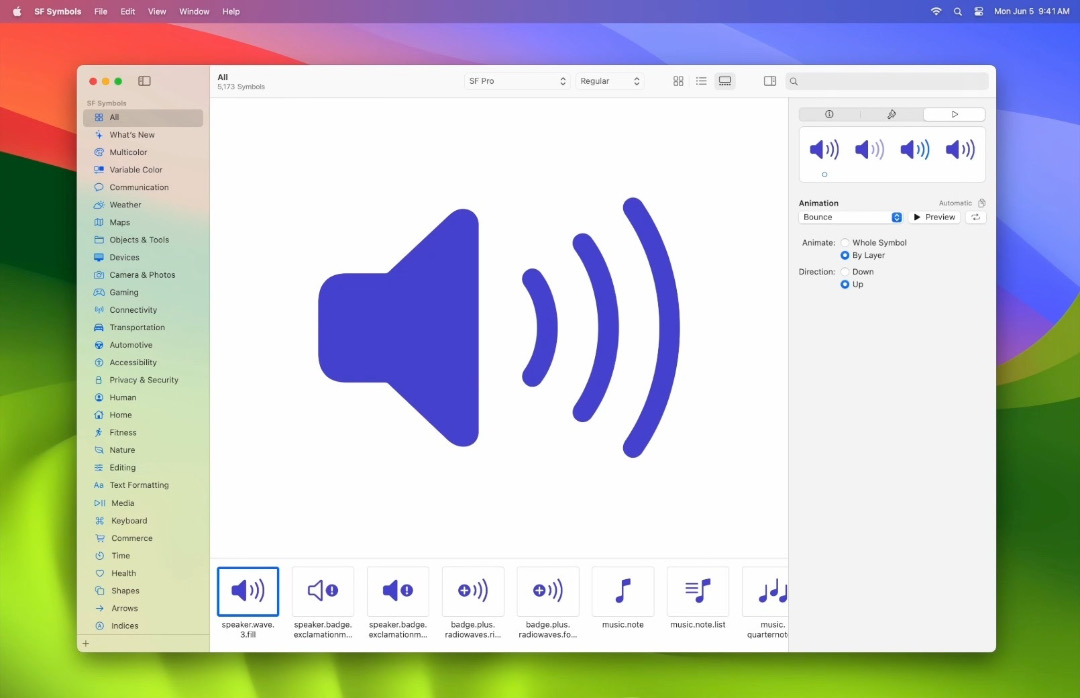
Image via Apple
Apple has introduced SF Symbols 5, the latest update to its iconography system that developers can tap on for app design. The set, consisting of over 5,000 symbols, is optimized to pair with San Francisco, Apple’s system font. The update introduces expressive animations, over 700 all-new symbols, and facilitates an improved experience for customization.
With nine weights and three scales, these assets seamlessly align with text and can be exported and customized using vector graphics editing tools to complement your app.
Video via Apple
With assets available in nine different weights and three scales, they automatically align with text, enabling developers to create visually cohesive and aesthetically pleasing app interfaces. The symbols can also be exported and customized using vector graphics editing tools to add unique touches to your app while maintaining accessibility features.
New to the pack are automotive indicators, game controller buttons, a wider array of weather conditions, and various currencies. For localization, Apple has added variants in languages such as Arabic, Chinese, Devanagari, Hebrew, Japanese, Korean, Latin, and Thai.
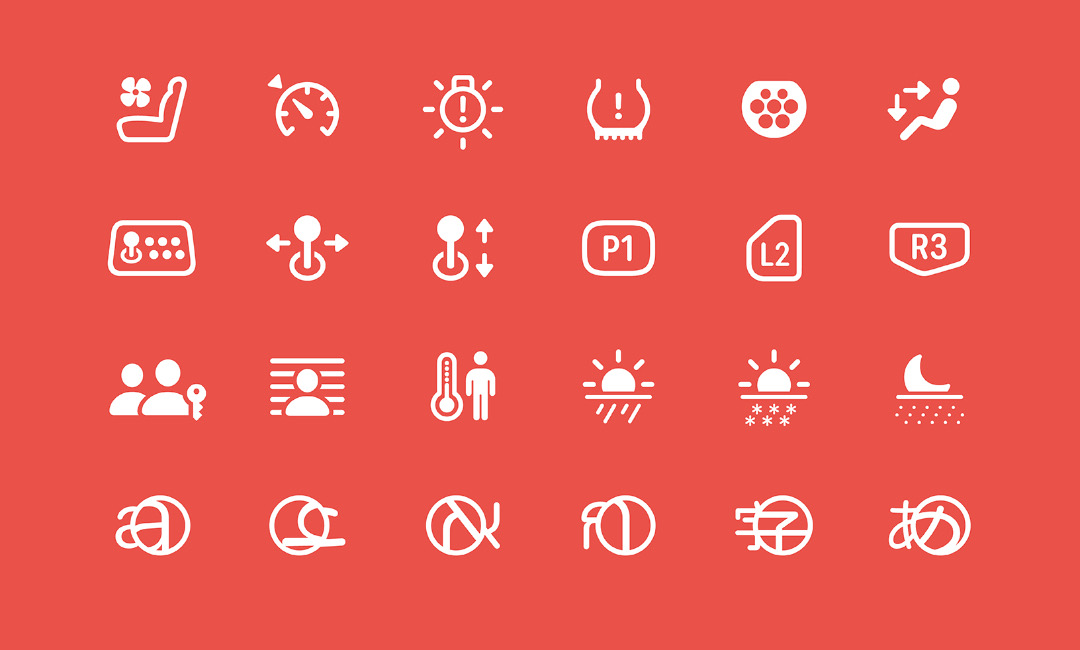
Image via Apple
Notably, the selection brings configurable animations. Symbols come to life with choreographed behaviors like appearing, bouncing, scaling, pulsing, and more, adding not only a dynamic element to your app but also serving as feedback for user interactions.
Video via Apple
To support these hops and swipes, symbols have been redrawn and optimized for motion, with layers within responding to animation effects.
Video via Apple
Lastly, Apple has simplified the process of creating custom symbols with symbol components. This library includes enclosure shapes, badges, and slashes that can be effortlessly added to custom symbols, making the design workflow faster and more intuitive.
The symbols are accessible across Apple platforms like iOS 17, iPadOS 17, macOS Sonoma, tvOS 17, and watchOS 10. Download the beta version of SF Symbols 5 here.
This article was crafted with assistance from an AI engine, and has been manually reviewed & edited.


