
Canva Brings Free AI-Powered ‘Classroom Magic’ Kit To Educators
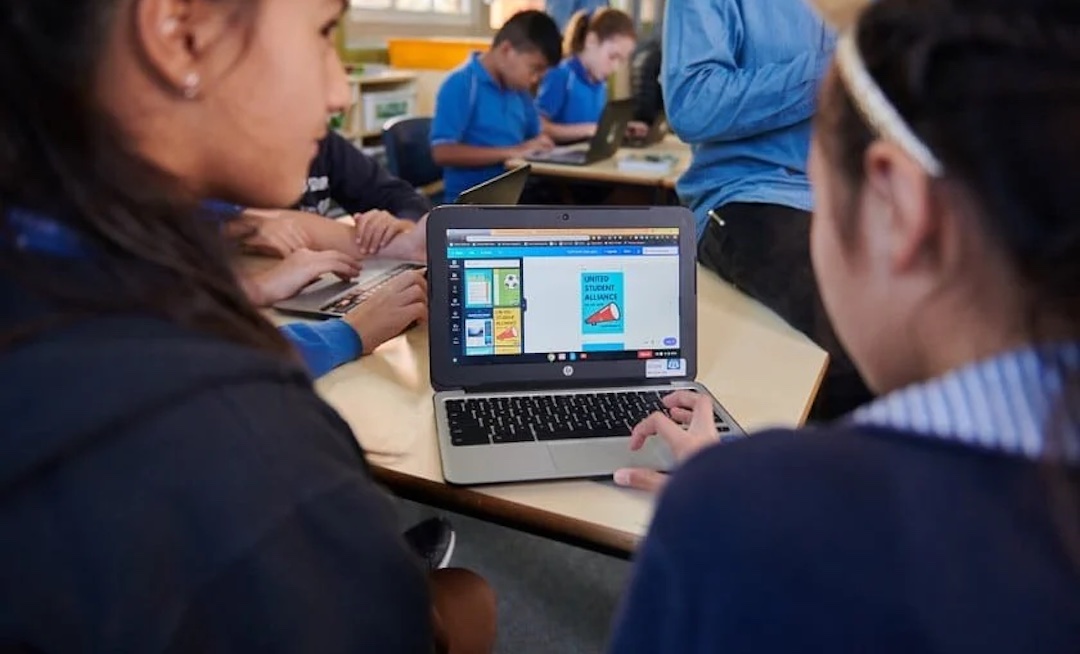
Canva is stepping into the education realm with Classroom Magic, a free artificial intelligence tool suite tailored for teachers and students. With this suite, Canva seeks to aid educators in lesson planning, content creation, and more.
Recognizing its role in introducing AI to many, Canva developed Classroom Magic through conversations with educators and leaders worldwide. The suite addresses teachers’ time constraints and the growing role of AI in education.
To support educators, Canva plans to offer professional development courses and practical resources. With 50 million education accounts worldwide, Classroom Magic aims to make AI accessible to all.
Image via Canva
Classroom Magic includes various tools aimed at enhancing both design and curriculum development. ‘Magic Write’ assists students in crafting initial drafts and tackling complex ideas. Teachers can also benefit from Magic Write for generating lesson plans and summarizing concepts. ‘Magic Grab Images’ generates complete images and art in diverse design styles, while ‘Magic Animate’ adds automatic animations to lesson plans and assignments.
Image via Canva
‘Magic Switch’ and ‘Magic Grab Text’, on the other hand, help transition classroom activities online by converting whiteboard notes and visual brainstorming into editable text and documents. The new toolkit also features multilingual translation support, alt text generation for images, and a ‘Design Accessibility Checker’ to ensure inclusivity to an array of students.
Image via Canva
In addition to Classroom Magic, Canva is also introducing the Lesson Suite, comprising a library of lesson plans and presentations. These resources cover a range of subjects, complete with activity sheets. Educators can customize these materials using their content or Classroom Magic AI tools. The lessons are designed in accordance with regional educational standards and can be printed for classroom use.
Image via Canva
Canva Shield, another introduction, provides AI trust and safety measures for school use. It offers advanced controls and permissions for administrators, review of input prompts to prevent inappropriate content, blocked terms and vocabulary, and reporting and blocking capabilities.
You can check all of the new features out and get started for yourself here.
This article was crafted with assistance from an AI engine, and has been manually reviewed & edited.


