
AI Art Tool Can Generate Desired Assets With Transparent PNG Backgrounds
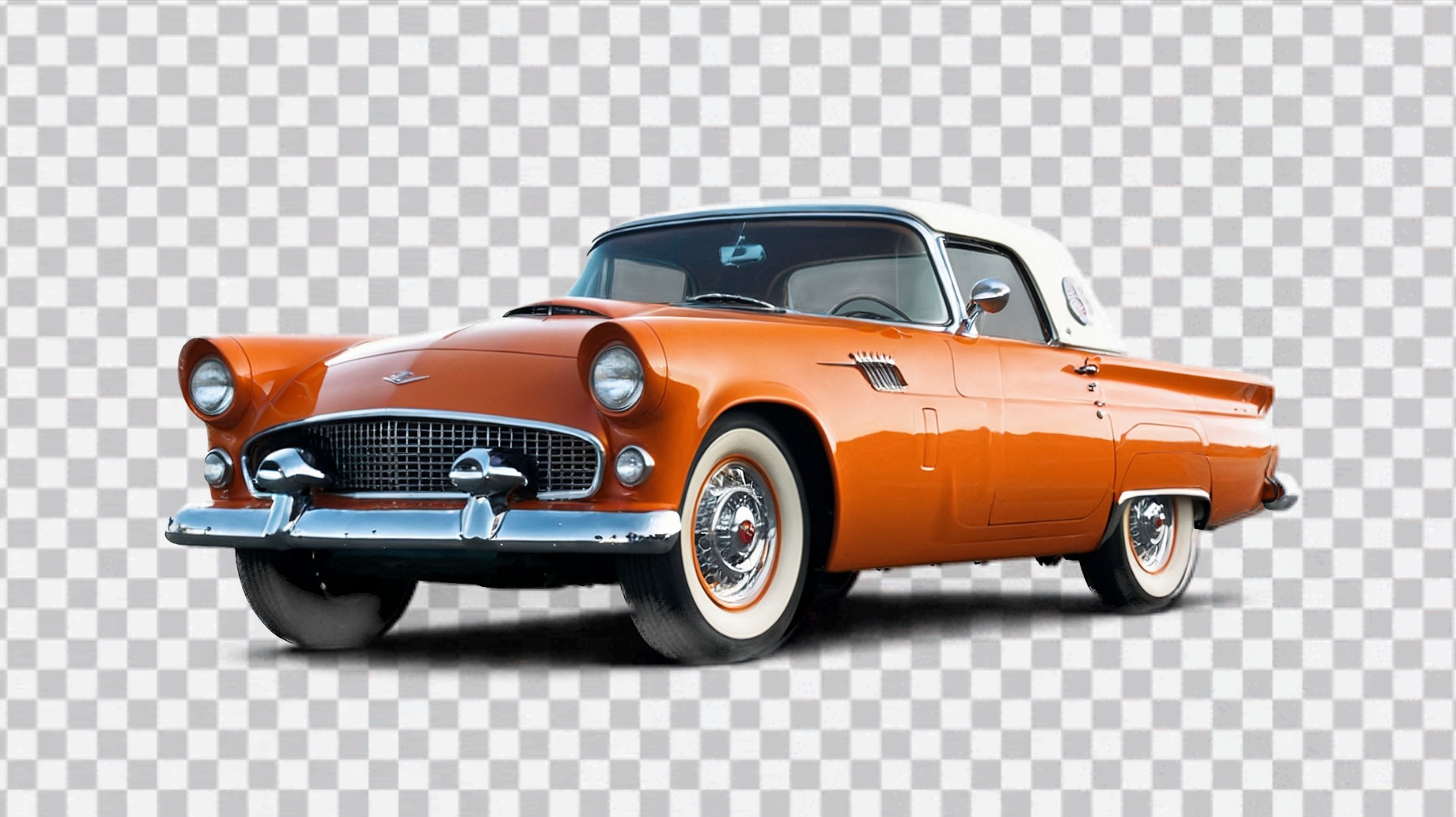
Image via Leonardo AI
Leonardo AI, a platform for churning out images with artificial intelligence, has introduced a feature with a usefulness that’s truly as clear as day. Its latest update introduces a ‘Transparency’ option, designed to cut the hassle of manually removing backgrounds from AI-generated images to create clean, composition-ready assets.
Traditionally, achieving transparent images has been a bit of a chore, and involves generating the artwork with a background intact, and then navigating through additional software to manually remove it. While this step shouldn’t be too challenging for digital creatives (you could even use the ‘Remove background’ feature in Apple’s Preview app for Macs), it can eat up valuable time as well as risk cutting away at the edges of objects. This is particularly so for AI-generated works, where the corners might show artifacts or noise.
Leonardo AI’s latest feature tackles these pain points by spitting out dream PNGs with the backdrops already gone, with the results coming out ready to be slotted into design projects or video compositions.
📣 We're thrilled to unveil #Transparency— another new https://t.co/LlErGl3jwe feature that enables true native transparent PNG generation!
— Leonardo.Ai (@LeonardoAi_) March 19, 2024
👉 https://t.co/Qh8wsnpKIg
Transparency is more than background removal—this is native image diffusion with clean edges.
🧵👇ðŸ½
Read on! pic.twitter.com/JCEGas8H8z
The company emphasizes that the tool isn’t only for removing backgrounds; the ‘Transparency’ feature employs “true native transparent image diffusion,” enabling the AI to deliver graphics with partial transparency and exceptionally clean edges. This would be helpful for creating objects with soft edges, such as fluffy clouds or delicate glass and hairs, directly in PNG format.
It's also really effective for generating ready-made 2D video game assets that can be downloaded and added straight into video game engines! 🎮 pic.twitter.com/zesjNysz5n
— Leonardo.Ai (@LeonardoAi_) March 19, 2024
To use this feature, users simply head to the ‘Image Generation’ section on Leonardo AI’s platform, where they’ll find the new ‘Transparency’ toggle. With this feature activated, entering a prompt and choosing a model like Kino XL, Vision XL, or AlbedoBase XL will yield transparent-background images tailored to the user’s needs.
The added ease means creators can effortlessly generate transparent characters, icons, and textures and layer them into their work.
Use Transparency when creating visual elements that can be inserted into backgrounds. Super handy for designers using layers! 🎨
— Leonardo.Ai (@LeonardoAi_) March 19, 2024
You can even import your generations into our Canvas editor! pic.twitter.com/g3SXm1X1B8
[via PetaPixel and Intercom, images via Leonardo AI]


