
Adobe Adds Generative Shape Fill, Mockup Maker, More To Illustrator & Photoshop
Images courtesy of Adobe
Adobe just dropped a fresh batch of features for Photoshop and Illustrator, aiming to streamline your workflow and set your imagination free on the wings of its Firefly artificial intelligence model.
For Adobe Illustrator
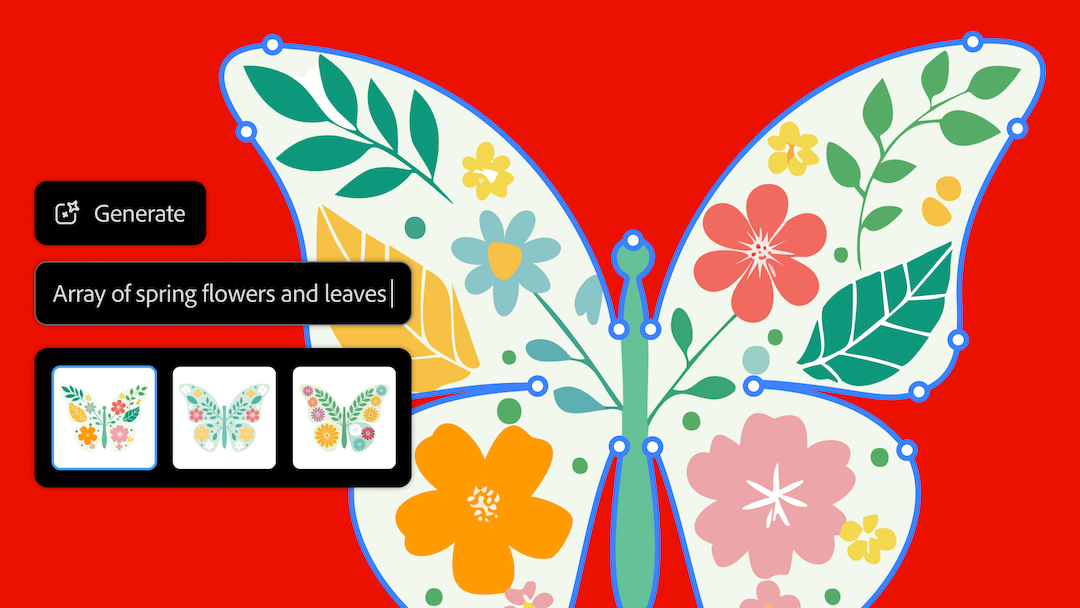
New to Illustrator, quite notably, is the Generative Shape Fill (beta) tool, which allows designers to add detailed vectors to shapes by entering text prompts in the Contextual Taskbar. Powered by the latest beta Firefly Vector Model, this feature promises to enhance speed, power, and precision for creators.
Generative Shape Fill (beta)
One of the most exciting new additions to Illustrator is Generative Shape Fill. This tool allows designers to add detailed vectors to shapes by entering text prompts directly in the Contextual Taskbar. Powered by the latest beta Firefly Vector Model, it promises to speed up the design process while providing high precision and power.
Dimension Tool
The Dimension Tool helps designers plot precise sizes for projects, whether it’s for packaging design, architectural drawings, or fashion patterns. This tool makes it easy to ensure accuracy with just a few clicks.
Mockup (beta)
The Mockup feature (beta) in Illustrator enables users to create high-quality visual prototypes of art on objects like product packaging and apparel. It automatically adjusts the artwork to fit the curves and edges of real-life objects, simplifying the process of creating realistic product mockups.
Contextual Taskbar
This feature speeds up workflows by presenting relevant next steps in the design process. It’s a dynamic menu that adapts to what you’re working on, providing quick access to the tools you need most.
Retype
Retype is a handy tool that allows designers to convert static text into live, editable text. This feature is particularly useful for identifying the perfect font for projects and making quick adjustments.
Enhanced Selection Tools
The new Enclosed Rectangular Marquee Selection helps designers select objects more precisely, which is especially useful in intricate and crowded designs. Enhanced selection capabilities make it easier to work on detailed projects.
Text to Pattern (beta)
Images courtesy of Adobe
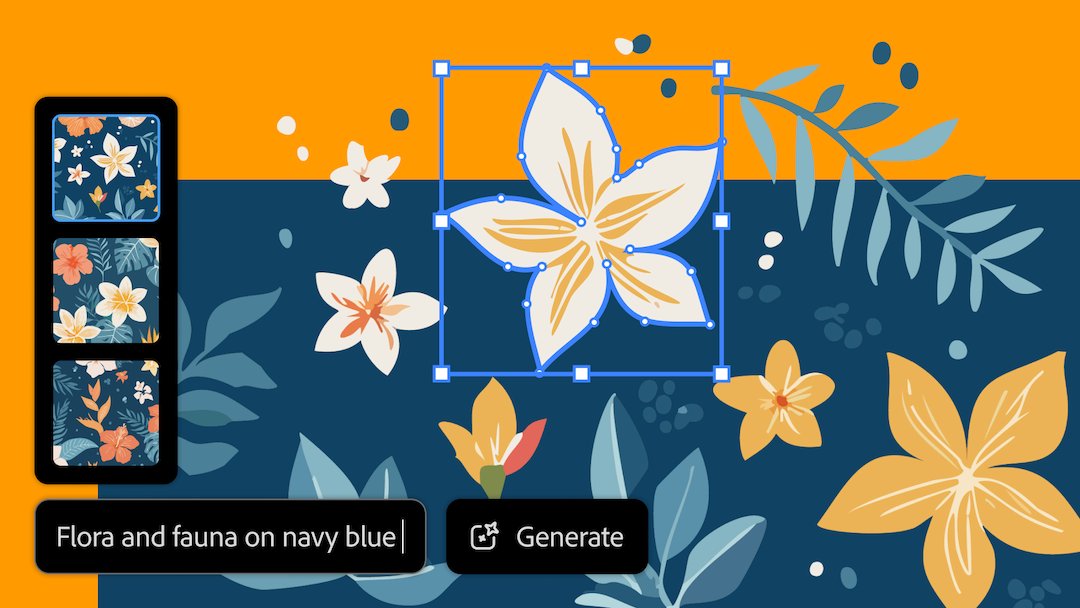
This tool allows designers to create and scale customized vector patterns across design projects using simple text prompts. It speeds up the creative process and offers more versatility in pattern creation.
Style Reference
Style Reference helps designers quickly edit and scale vector graphic creations, including subjects, scenes, and icons, in their unique style. This tool makes it easier to maintain consistency across different elements of a project.
Enhanced Pan and Zoom
Enhanced Pan and Zoom capabilities deliver faster and smoother performance, allowing designers to navigate highly complex documents with ease. The scalability ranges from 3.13% to 64,000%, ensuring that even the most detailed work can be managed efficiently.
For Photoshop
Photoshop also sees significant improvements with the introduction of intuitive features that streamline core creative workflows. The Selection Brush Tool, Adjustment Brush Tool, and enhancements to the Type Tool and Contextual Taskbar are designed to boost productivity, precision, and control when selecting, compositing, and adjusting images. The new Generate Image feature, powered by Adobe Firefly Image 3 Model, provides fresh ways to ideate and create.
Selection Brush Tool
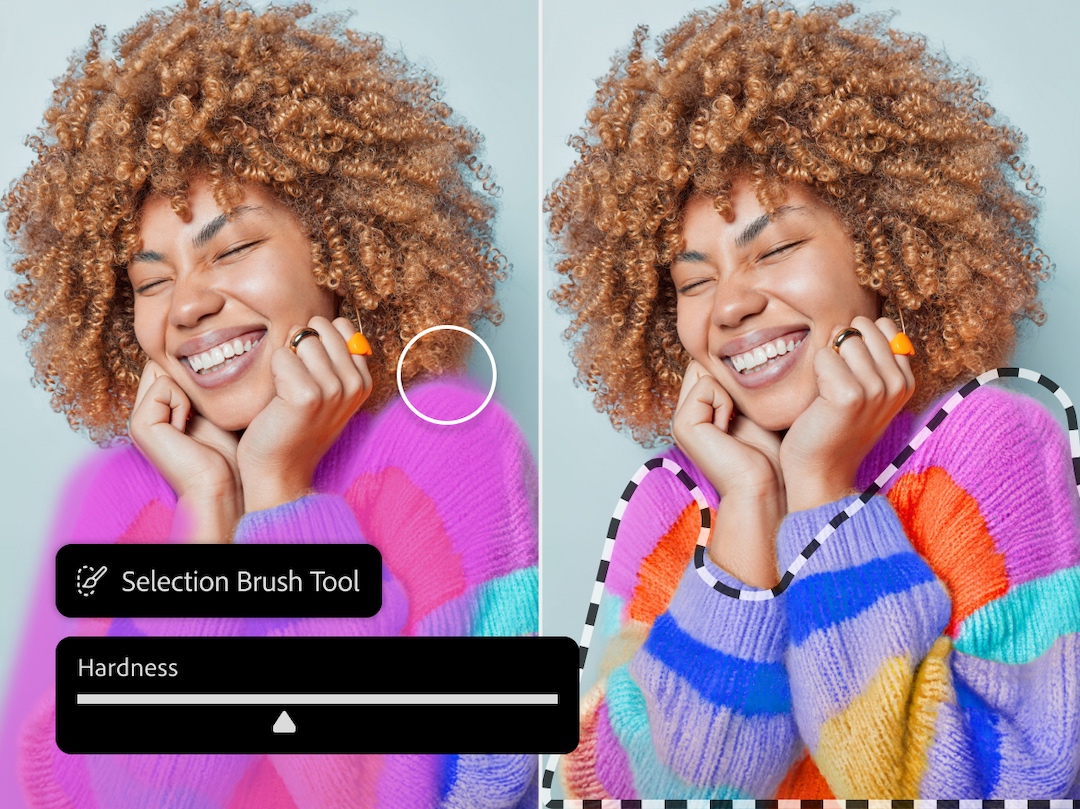
The Selection Brush Tool makes selecting, compositing, and applying filters more intuitive. It allows for precise control over which parts of an image are selected, enhancing the editing process.
Images courtesy of Adobe
Adjustment Brush Tool
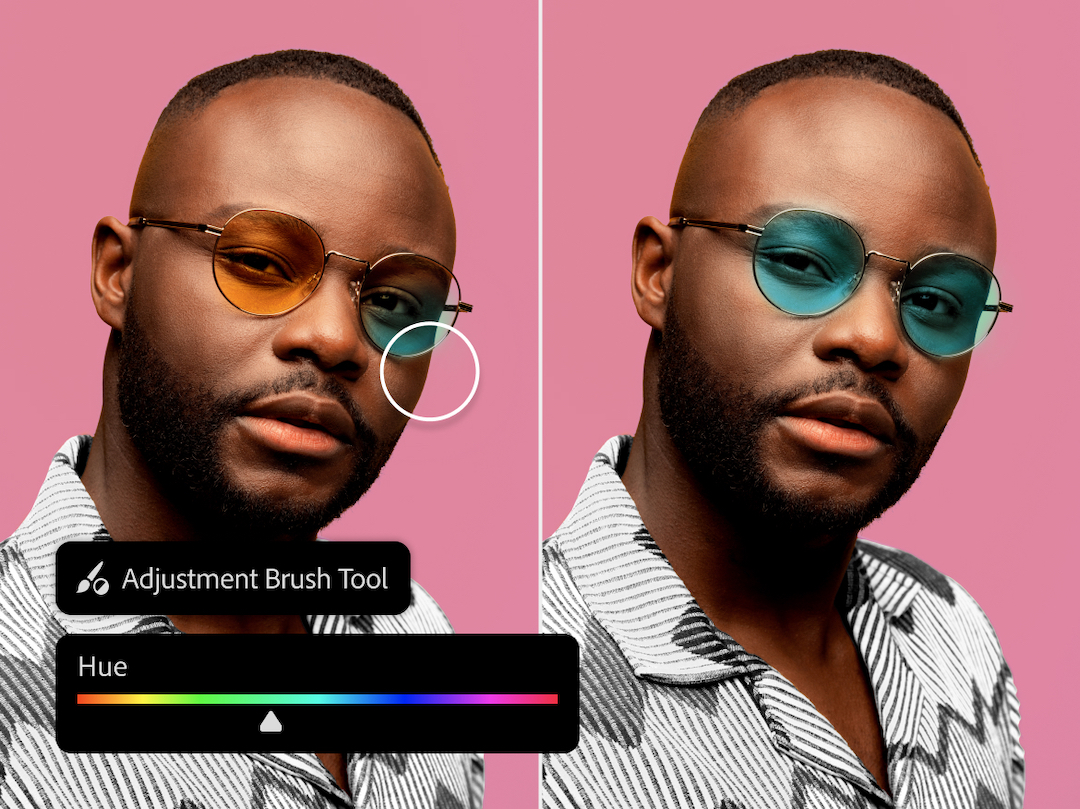
This tool enables users to apply non-destructive adjustments to specific portions of images. It’s perfect for fine-tuning areas of a photo without affecting the entire image.
Images courtesy of Adobe
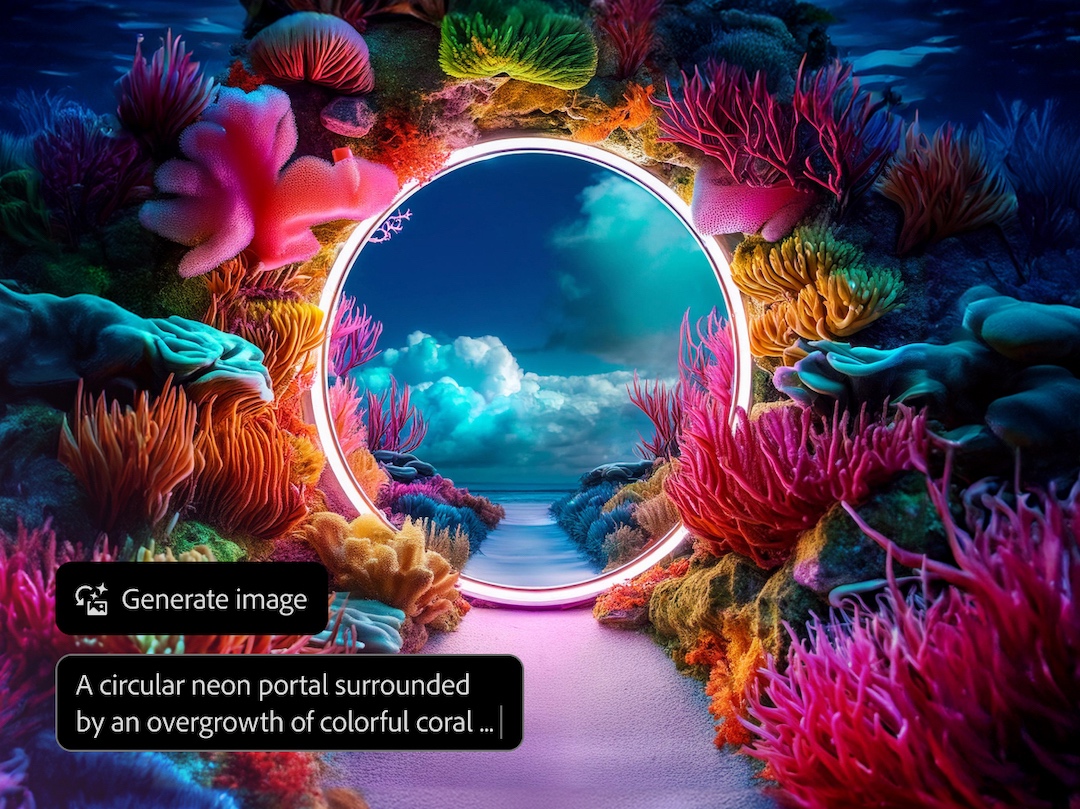
Generate Image
Powered by Adobe Firefly Image 3 Model, Generate Image removes the blank page by jumpstarting ideation and creation. This feature provides new levels of creative control directly in Photoshop, helping users get started on their projects more quickly.
Images courtesy of Adobe
Enhanced Type Tool
Enhancements to the Type Tool include faster and less manual ways of creating bulleted and numbered lists. Improvements in the Contextual Taskbar introduce popular settings for working with shapes and rotating objects, making text manipulation more efficient.

Images courtesy of Adobe

Images courtesy of Adobe
Enhance Detail in Generative Fill
This feature ensures greater sharpness and detail in large image formats, providing higher-quality outputs for detailed projects.
Availability
The latest Firefly Vector Model (beta) and other innovations are now available in Adobe Illustrator, while new features in Photoshop are available in the desktop and web apps.
These updates in Illustrator and Photoshop are geared towards making the creative process more efficient from ideation to production. Illustrator’s new tools will help designers bring their visions to life across various projects, from brand graphics and logos to product packaging and marketing materials. Photoshop’s enhancements will allow creative professionals to iterate design concepts and kickstart asset creation with greater ease and efficiency.
The company stresses that its AI-boosted tools are created in a way that remains respectful and supportive of the creative community, in line with its AI Ethics principles. Intended to be an extension of one’s creativity, not a replacement, these AI features are trained on licensed and freely available content to acknowledge creators’ rights.
[via Adobe, images courtesy]


