
Adobe Elements 2026 Arrives With AI-Pumped Photoshop & Premiere For Casual Users

Image courtesy of Adobe
Sometimes creativity needs a little assist, and Adobe thinks it has just the tools to lend a hand. The company has released Photoshop Elements 2026 and Premiere Elements 2026, both updated with generative AI features envisioned to make photo and video editing feel less like work and more like play.
The new Elements editions are pitched at casual creators who want professional polish—whether they’re dabbling in design or experimenting with video—without having to learn the steep curves of Adobe’s flagship platforms.

Image courtesy of Adobe
Instead of manually layering or cutting, users can now type a description and let Photoshop Elements generate new backgrounds, objects, or full images. With a short prompt, you could, for example, add bicycle to a park photo or swap out a cloudy sky for a sunny one.

Image courtesy of Adobe

Image courtesy of Adobe
For anyone with shoeboxes of faded photos, the Restore tool has been given extra muscle. The updated AI can roll back wear, tear, and even discoloration with just a click, bringing decades-old images closer to their original form.

Image courtesy of Adobe
In addition, upgraded Remove feature tackles background photobombers with sharper detection, saving you the trouble of brushing over every last outline.

Image courtesy of Adobe
Beyond heavy-lifting edits, Photoshop Elements 2026 introduces smoother workflows. Visual tooltips and contextual toolbars help guide fresh creators, while features like QR code scanning make it simple to move mobile photos straight into the app. And free integration with Adobe Express means you can drop your snapshots into templates to make cards, posts, and photo books.

Image courtesy of Adobe

Image courtesy of Adobe
Premiere Elements 2026 leans into video immersion. New support for 360-degree and virtual-reality video editing lets users import spherical footage, add text or graphics that bend around a scene, and export either for VR headsets or in traditional flat formats.

Image courtesy of Adobe
The software also offers free, built-in Adobe Stock access, from audio clips and sound effects to video b-roll, which can help round out a project without combing the web.
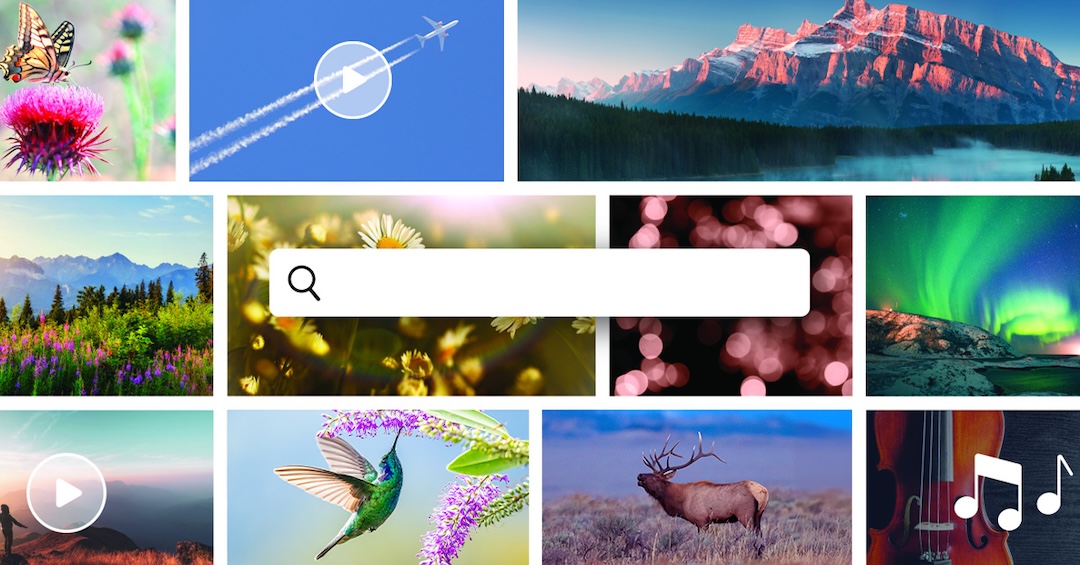
Image courtesy of Adobe
For titles, there are new motion templates and style options, plus a browser that keeps custom fonts and designs within reach for future projects.
Video courtesy of Adobe

Image courtesy of Adobe
Editing quality-of-life tweaks also show up throughout. Users can crop footage freehand to draw attention to key details, stabilize shaky clips faster, and even delete Timeline gaps all at once. Tooltips and visual guides mirror what’s now available in Photoshop Elements, flattening the learning curve a little more.

Image courtesy of Adobe
Both Photoshop Elements 2026 and Premiere Elements 2026 are available individually or as a discounted bundle on Adobe.com and major retailers including Amazon and Best Buy. Adobe is betting that these approachable tools—with AI tucked neatly into the background—will give hobbyists new ways to polish memories, whether they live in a photo album or a social feed.
[via Adobe, images courtesy and featured with permission]


