
Apple Shares Fun Tricks To Capture Artistic Flower & Fruit Videos With iPhone 12
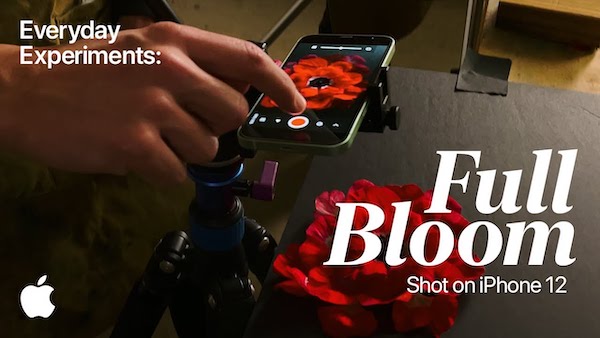
Video screenshot via Apple
Apple users have been trading their editing tools for the default iPhone app after a formula to give selfies a sun-kissed glow went viral. Now, the Cupertino giant is giving iPhone 12 owners another reason to use its built-in features with a tutorial of spring-themed videography tricks to try at home.
For the latest addition to its Everyday Experiments series, Apple once again tapped Donghoon Jun and James Thornton of LA-based design studio Incite to get creative with iPhone 12’s camera capabilities, such as the Slo-Mo and Time-Lapse features.
While stop motion animations are notoriously time-consuming, Jun and Thornton show that you can make the experience worthwhile by choreographing flowers to “blossom” and transforming flora into fruits.
iPhone 12’s Slo-Mo mode isn’t a secret, but here, the two reveal how you can style these videos more artistically with highlighter markers in water for a radioactive glow, string to suspend and move flowers above the lens, and more.
For stunning time-lapse photos, Jun and Thornton simply leave plants out overnight, in front of an iPhone 12 and a tripod, and let the smartphone do the work. “How much the flowers blossom might really surprise you,” they proclaim.
All these fun tricks are explained in just three minutes in the Full Bloom video below.
[via Apple]
Also check out these recent news


