
Google Spotlights Its 10 Favorite Chrome Extensions Of 2025

Image via Google
It seemed like only yesterday that extensions served to just block ads and save links. But times have evolved, and they now summarize, record, and translate in real time. Google has just unraveled its list of 10 favorite Chrome add-ons that turn its browser into an all-purpose assistant. These tools span productivity, creativity, learning, and shopping, with artificial intelligence sitting at the center.
Take a closer look at the top Chrome extensions that helped supercharge the browsing experience in 2025, according to the tech giant.
AI browsing companions: Monica, Sider, HARPA AI, and QuillBot
1. Monica: ChatGPT AI Assistant | DeepSeek, GPT-4o, Claude 3.5, o1 &More
Monica earns its place as one of the most flexible AI companions in the browser. It lets users summarize webpages, chat with PDFs, draft emails, and generate quick responses directly inside Chrome, making it particularly useful for research-heavy workflows.
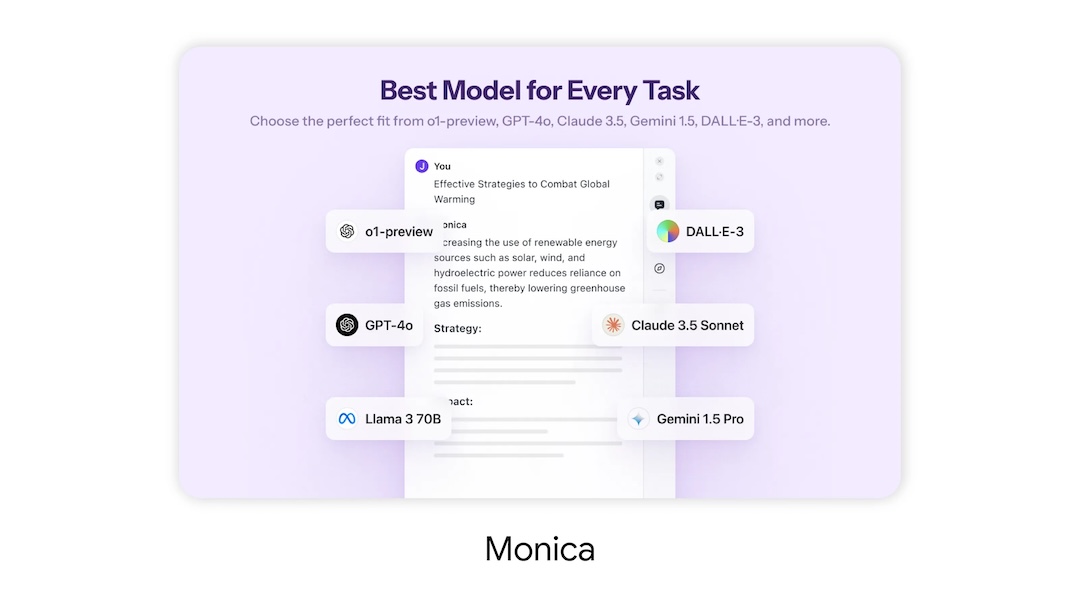
Image via Google
2. Sider: Chat with all AI: GPT-5, Claude, DeepSeek, Gemini, Grok
Sider leans harder into on-page assistance. It pops up alongside websites to analyze content, summarize long reads, and generate answers without forcing users to jump between tools or platforms.
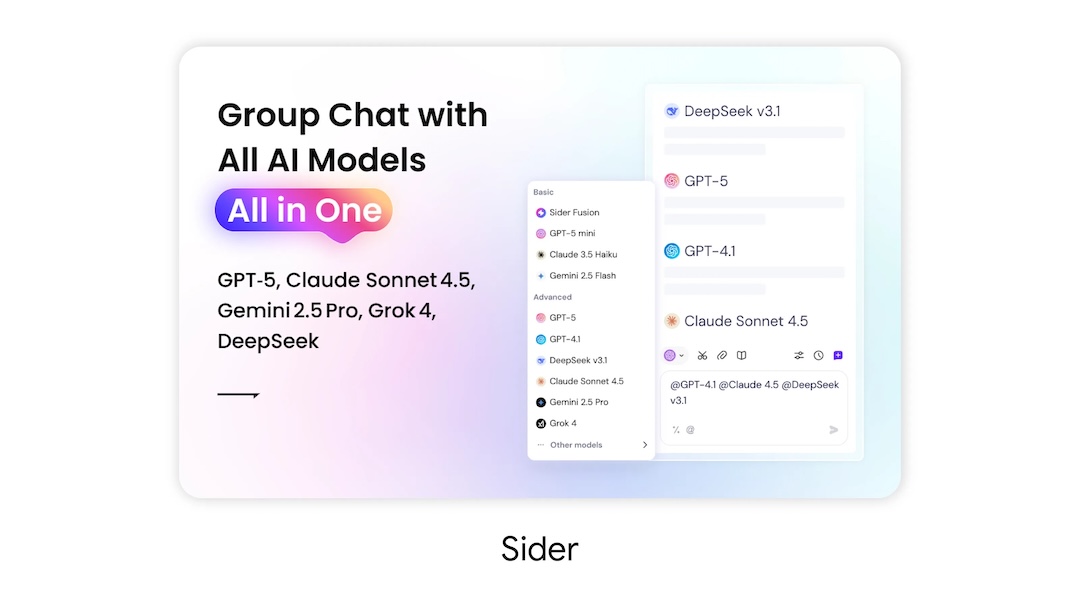
Image via Google
3. HARPA AI | AI Automation Agent
HARPA AI blends automation with intelligence, quietly handling tasks like monitoring websites for changes, tracking price drops, and automating routine online actions. It is built for users who want the web to work in the background instead of constantly demanding attention.

Image via Google
4. QuillBot: AI Writing and Grammar Checker Tool
QuillBot continues to be a go-to for writing polish. Its tools focus on paraphrasing, grammar checks, and tone adjustments, making it especially popular with students, marketers, and anyone working across multiple writing styles.
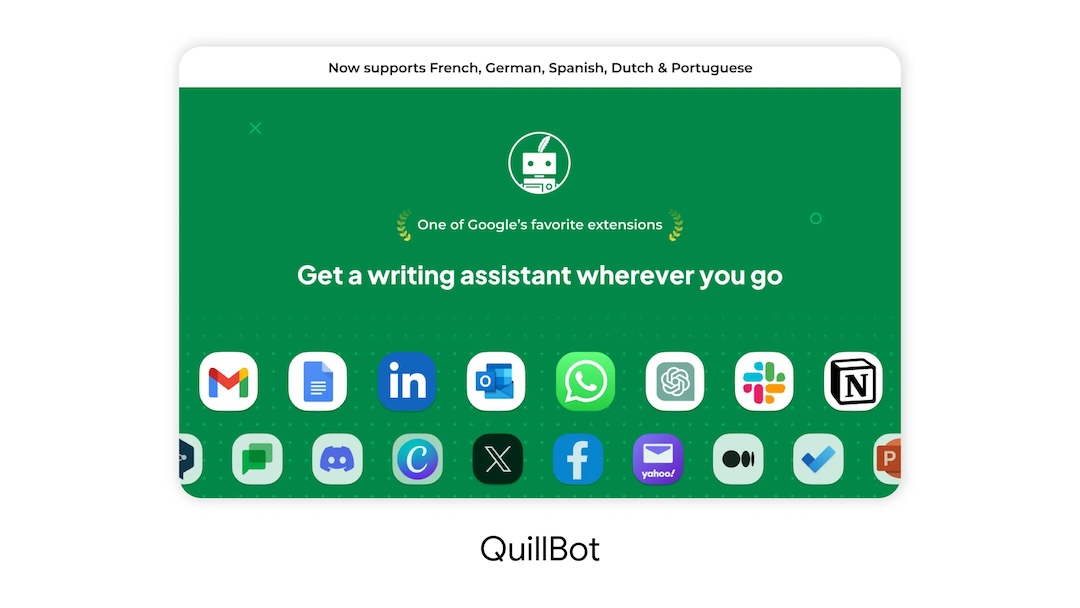
Image via Google
For work & learning: Fireflies.ai, Bluedot, QuestionAI, and eJOY
5. Fireflies: AI meeting notes
Fireflies.ai addresses a familiar problem of modern work life: meetings that move too fast to document. The extension records, transcribes, and summarizes virtual meetings so users can focus on conversations rather than rushing through notes.
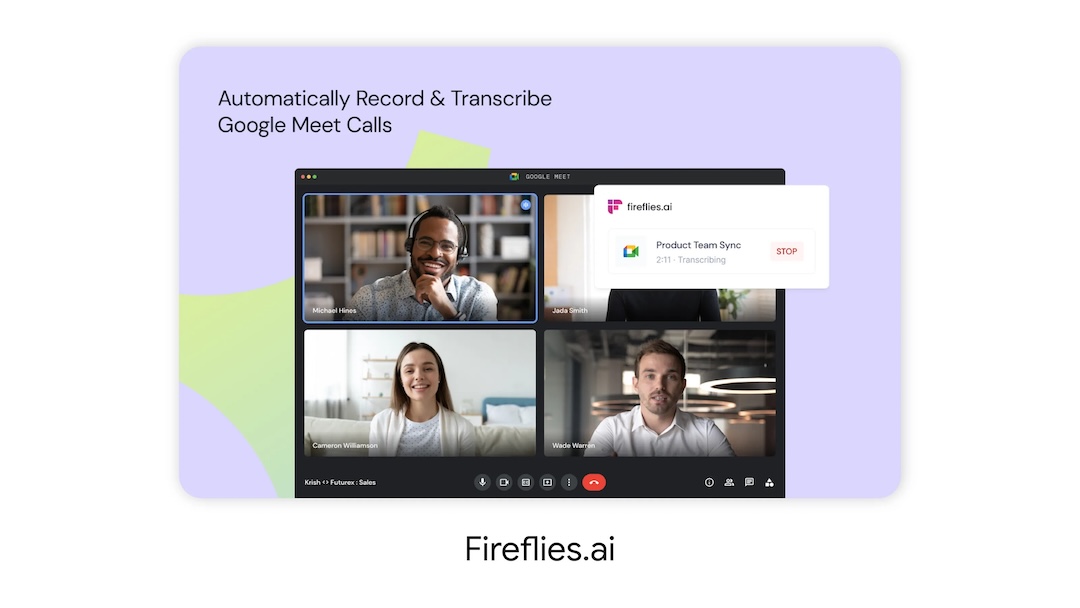
Image via Google
6. Bluedot: AI notetaker & Meeting Recorder
Focused especially on video meetings and asynchronous sharing, Bluedot captures video calls, generates summaries, and helps teams revisit key moments without scrubbing through long recordings.
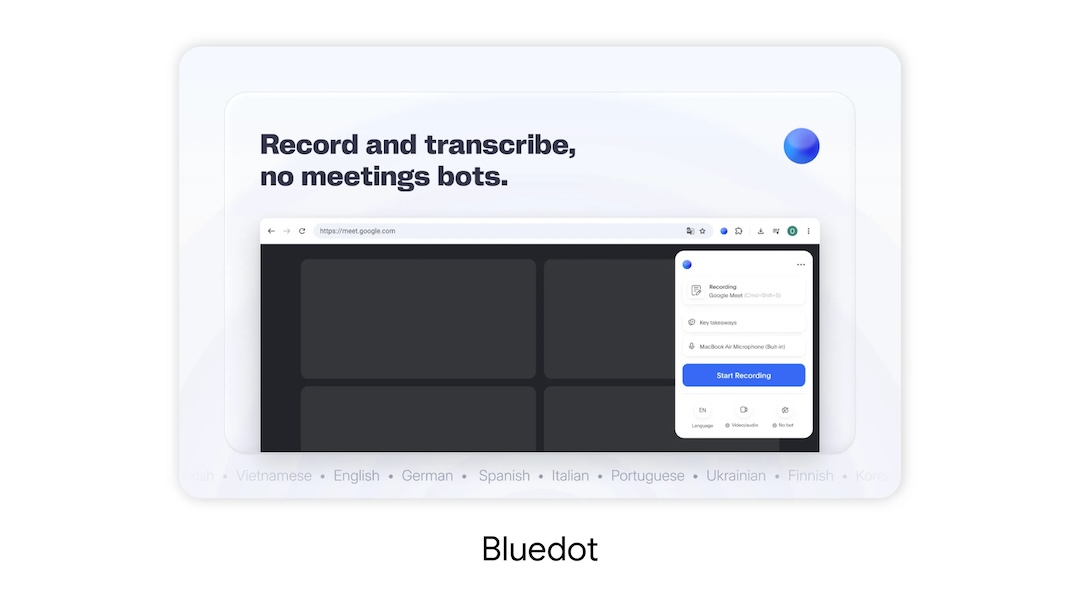
Image via Google
7. QuestionAI Homework Powered AI Assistant
QuestionAI acts as an on-demand tutor inside the browser. It explains complex problems and concepts across subjects, giving students and self-learners a way to unpack difficult material without leaving the webpage they’re studying.

Image via Google
8. eJOY AI Dictionary
eJOY turns passive browsing into language practice. As users scroll through everyday sites, the extension highlights new vocabulary, offers translations, and helps reinforce language learning through real-world context.
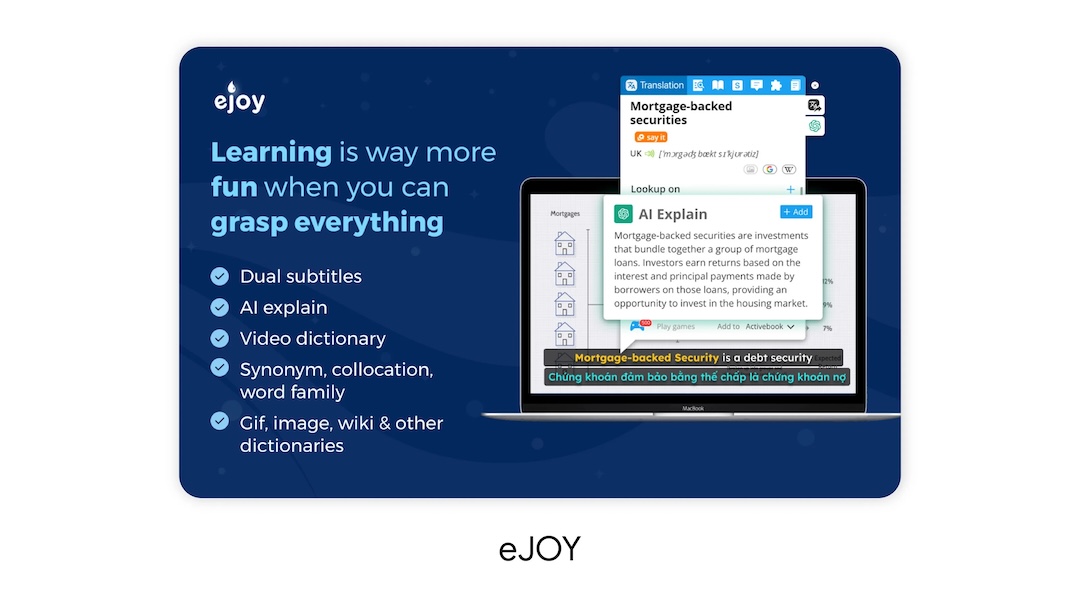
Image via Google
For creativity & comparison: Adobe Photoshop and Phia
9. Adobe Photoshop
Adobe Photoshop’s Chrome extension brings light image editing directly into the browser. It allows users to make quick visual tweaks without switching to a full desktop application, reflecting how creative work is increasingly happening in-browser.
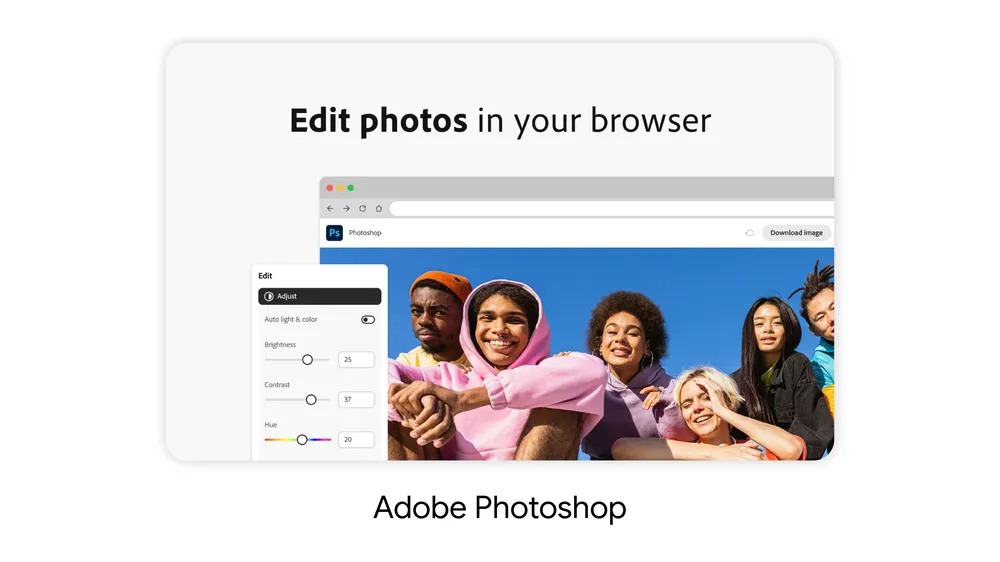
Image via Google
10. Phia: Best Price in One Click
Phia rounds out the list with a focus on shopping rather than productivity. It automatically compares prices across sites, helping users skip the tab-hopping routine and find better deals with a single click.
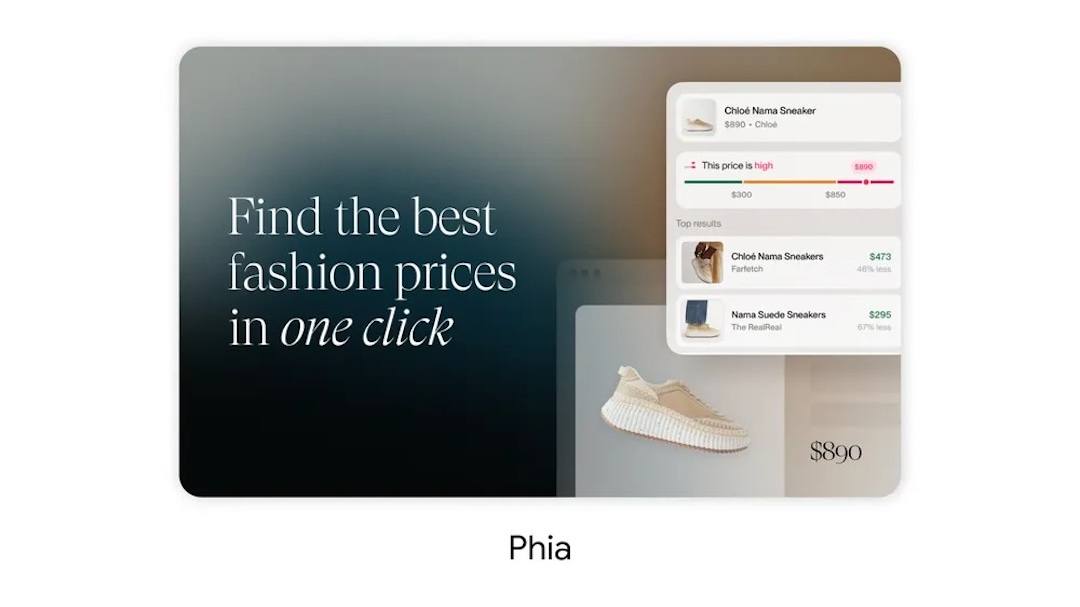
Image via Google
To date, the Chrome Web Store hosts well over 100,000 extensions. These picks serve to reshape our daily infrastructure, be it through summarizing a document, recording a meeting, polishing a paragraph, or combing through the web to find the best price.
[via Google]


