
Google Now Lets You Make A Watchlist, Along With Suggested Films & Shows For You

Image via Google
Google has added a new ‘Watchlist’ feature for mobile that lets you plan series and films to catch within its search tool.
You might oftentimes stumble across a noteworthy television show or film, and then soon forget about it. That won’t happen again with your Watchlist, which lets you bookmark programs simply by clicking on “my watchlist.”
To get started, you can search for a movie or television show on your device, and then click the bookmark icon in the preview window. The next time you Google “my watchlist” or search for something to stream, you can see your picks under the Watchlist tab.
When you look up “what’s a good show to watch,” the tool will also offer personalized recommendations to your Watchlist based on your viewing habits.
You’ll first need to be logged into a Google account and enable the “web & app activities feature.” This will generate recommendations based on your activity on Google’s products such as Search, YouTube, and Chrome. Otherwise, the recommendations will come from new and trending content.
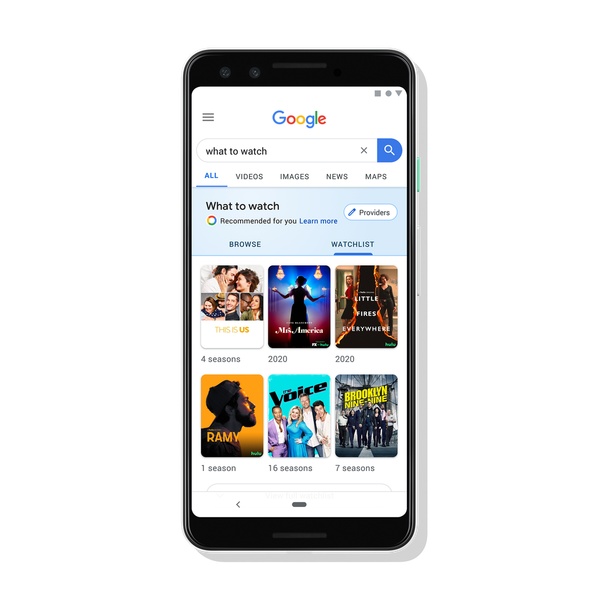
Image via Google
[via Mashable, cover image via Google]
Also check out these recent news


