
Apple Owners, You Can Actually Stick Your AirPods To Your MacBook Screen
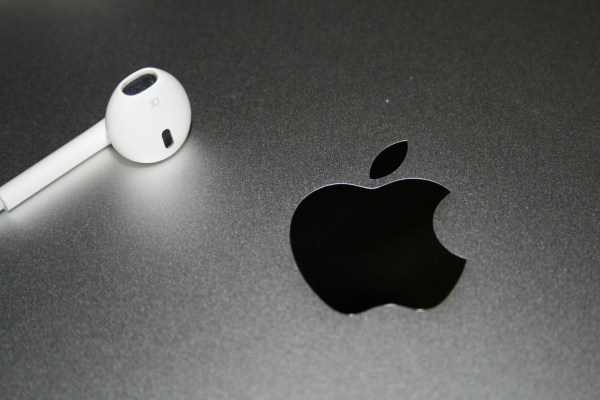
Image via PxHere (CC0)
There are all sorts of “hacks” on the internet. Some are what you might call timesavers, while others just don’t work. This is one of those you file in the “good to know” drawer.
Did you know you can snap your AirPods onto your MacBook? Neither did most of us.
Over on TikTok, CNN’s product review and life hack account @CNNUnderscored suggested sticking Apple wireless earbuds onto the top of the MacBook screen because they’re magnetic. This way, you’ll “stop losing your AirPods.”
@cnnunderscored Did you know this? Follow for more product hacks! @apple #apple #applehack #macbookhacks #iphonehack #applehacks #airpods
♬ misery 4 u - Nick
While there’s already the magnetic AirPods charging case for this purpose, the MacBook trick just isn’t something one would think of. Mashable, which tested the hack, says it works for both regular AirPods and AirPods Pro’s, though it’s more effective with the regular model.
Of course, Apple didn’t add magnets to the devices so they would hold onto each other.
MacBooks have them at the top of the display and on the front of the base, so that when you close your laptop, it goes to sleep. The speakers in AirPods, on the other hand, are magnetic.
A word of caution, though: since the parts are magnetized for specific functions, it’s probably best not to mess with them and just use your trusty charging case. You can snap your AirPods onto your MacBook, but should you?
The magnets in the screen of the MacBook are perfect to hold AirPods lmfao. from
mac
[via Mashable, cover image via PxHere (CC0)]
Also check out these recent news


