
Midjourney Wants To Be A Camera With New ‘Zoom Out’ Feature
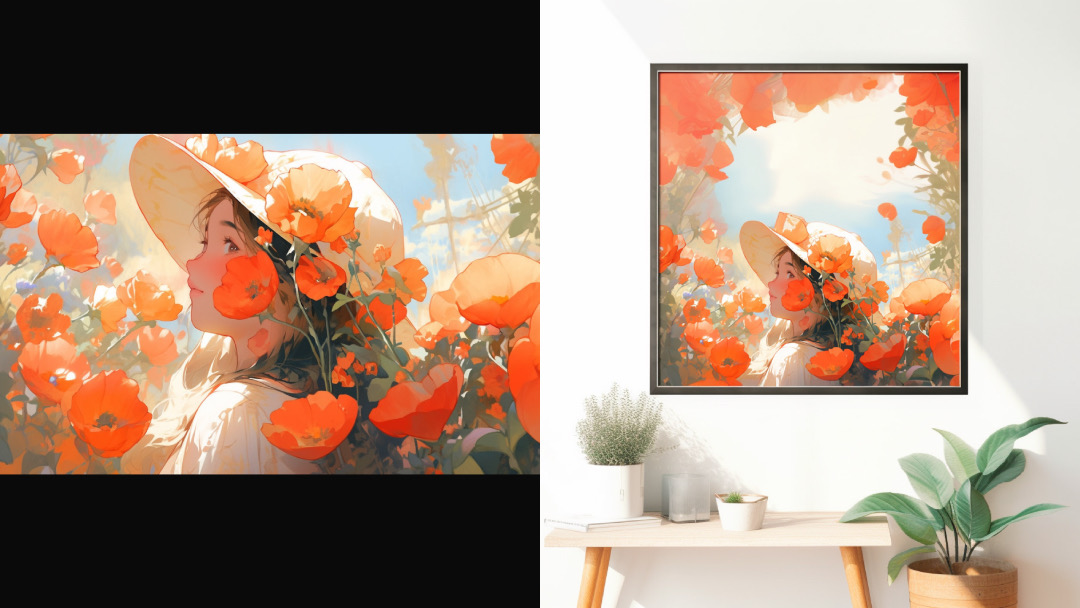
Images via Midjourney
A lot of artwork generated on Midjourney transcends Uncanny Valley, leaving many to confuse photorealistic images for photographs. In its latest 5.2 update, the generative text-to-image tool is seeing an even bigger picture with ‘Zoom Out’, which imagines what goes on beyond the frame of a result, much like zooming out a camera lens.
It’s the natural next step for the AI art generator, seeing as how Photoshop already has its own version of the feature, called ‘Generative Fill’, while Stable Diffusion rolled out a similar ‘Uncrop’ tool earlier this month. Across the industry, this function is called ‘outpainting’.
Unlike some of its counterparts, Midjourney’s Zoom Out can only be applied to images generated in-app. Instead of being something you type into a text field, the prompt appears as a button when you land on your intended result and select ‘Upscale’.
Images can be artificially expanded to reveal more context at 1.5X and 2X, with the existing subject in the middle.
1X
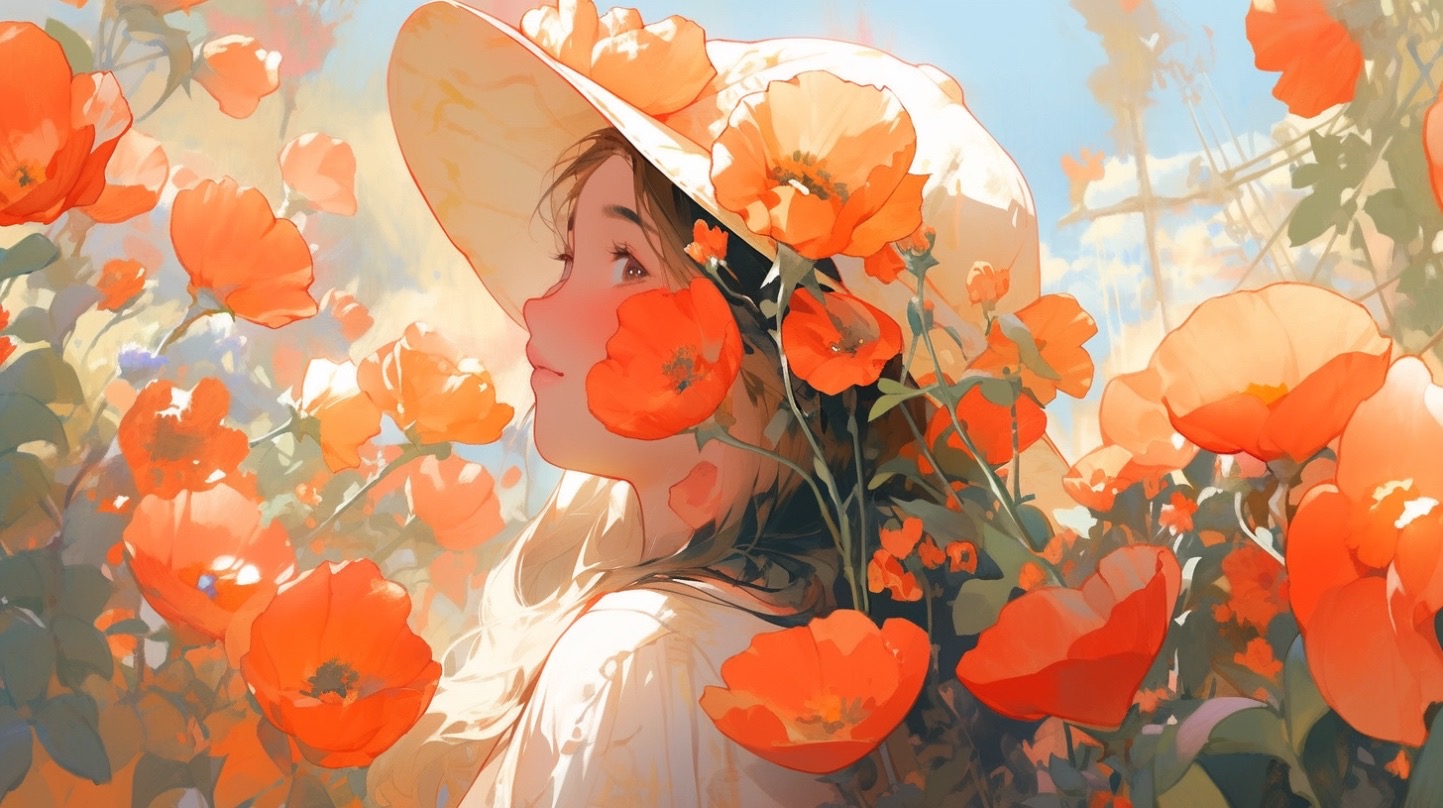
Image via Midjourney
Zoom Out 1.5X
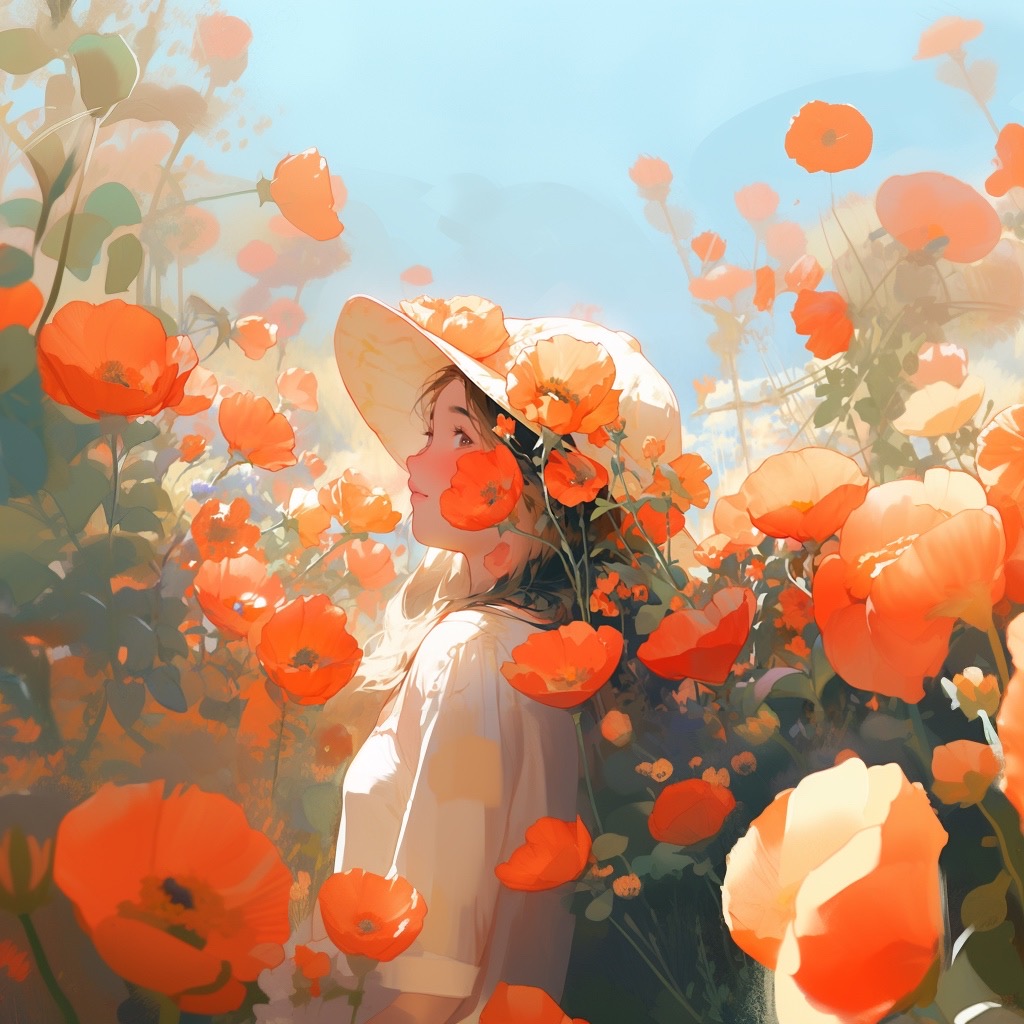
Image via Midjourney
Zoom Out 2X
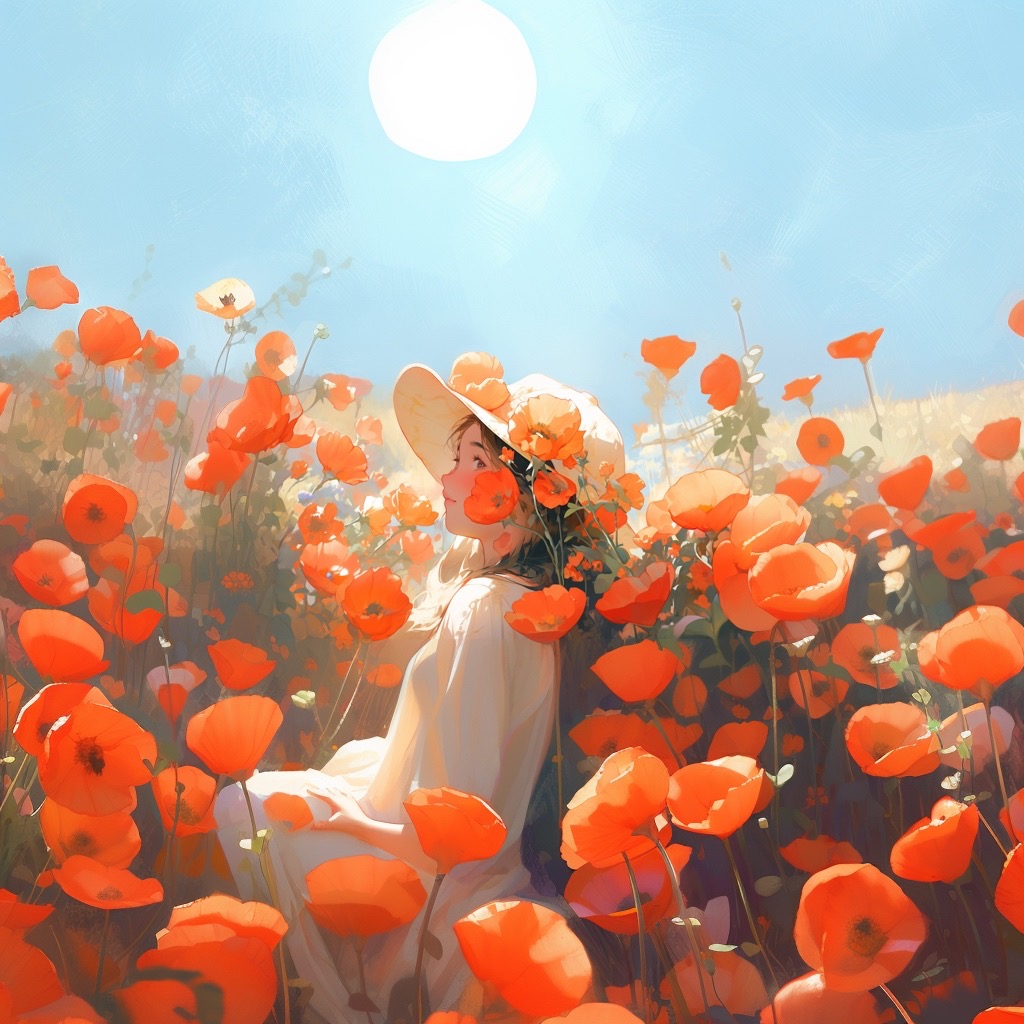
Image via Midjourney
Note that, whether at 1X or “zoomed out” at 2X, the end result will keep to a maximum size of 1024 x 1024 px.
Make Square
There’s also the option to crop images to a 1:1 aspect ratio through a new ‘Make Square’ button.
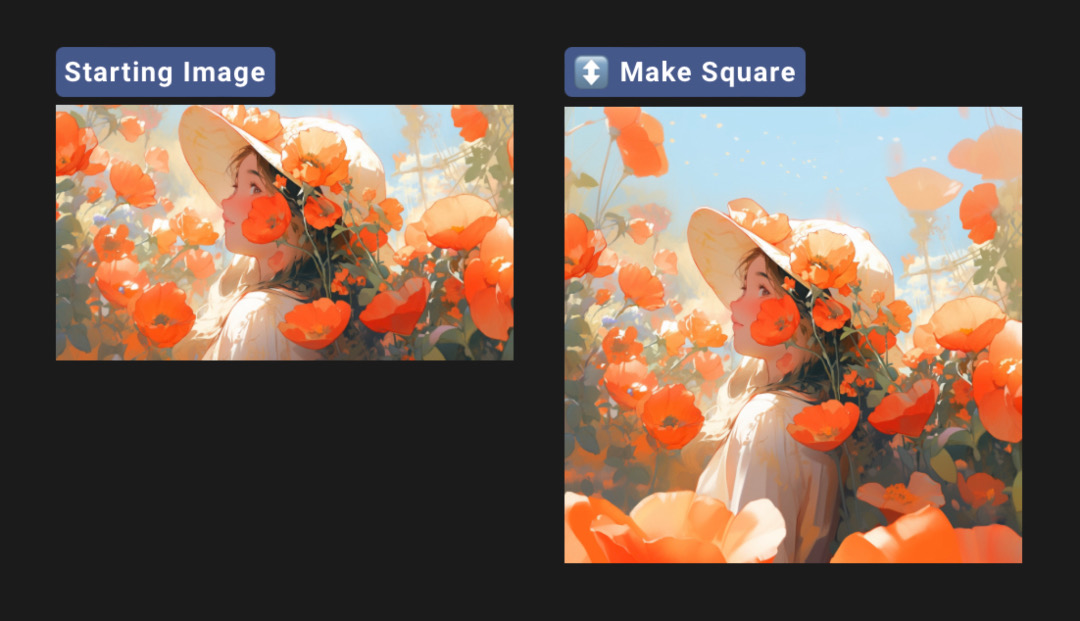
Images via Midjourney
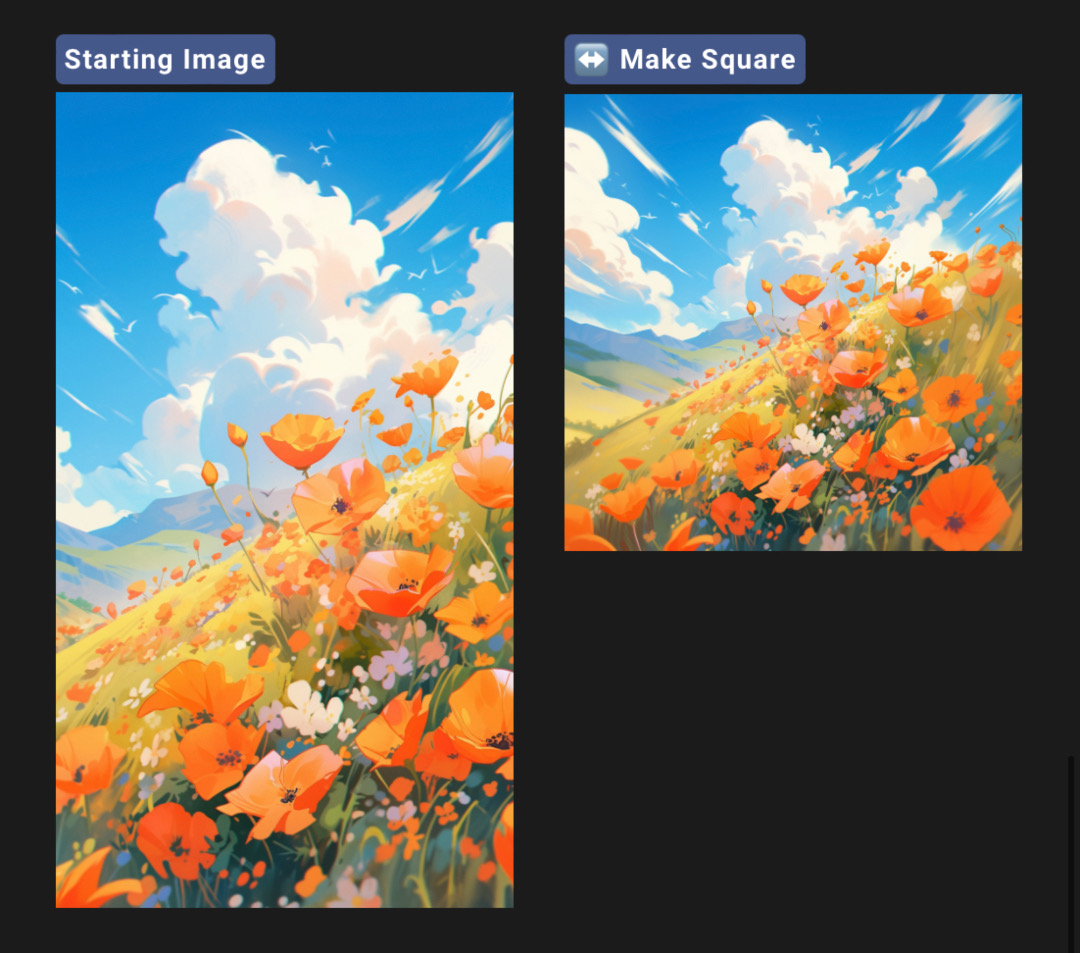
Images via Midjourney
Zoom + changed prompt
Finally, you can also turn your artwork into a mockup by changing the prompt, as illustrated below.
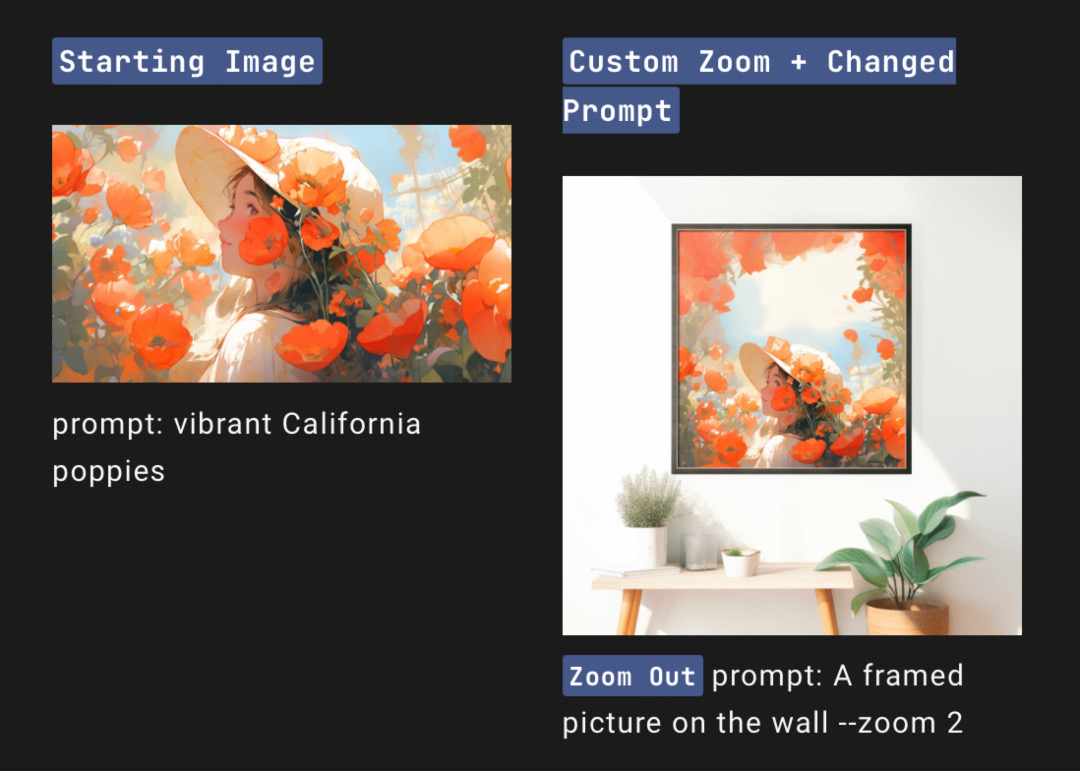
Images via Midjourney
[via Ars Technica, No Film School, Midjourney, images via Midjourney]


