
Instagram Lets Some Users Post From Desktop: Find Out If You’re One Of Them
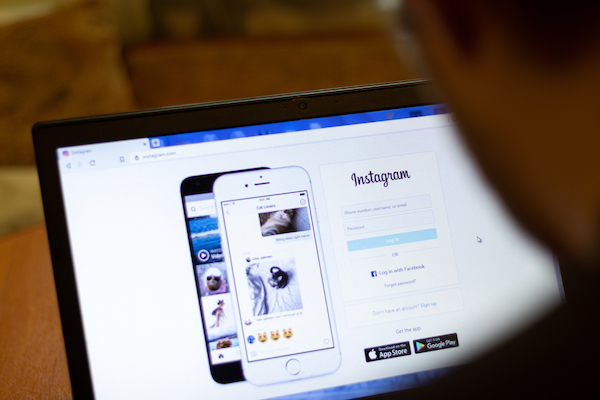
Image via Postmodern Studio / Shutterstock.com
Instagram is reportedly conducting a trial that lets some users post to their feeds directly from a desktop browser. This is the first known instance in which the photo sharing platform has publicly allowed users to post an image from outside its mobile app.
Instagram confirmed the test to Engadget, saying: “We know that many people access Instagram from their computer. To improve that experience, we’re now testing the ability to create a Feed post on Instagram with their desktop browser.”
Since the pandemic hit last year, people have been spending more time on their desktops and laptops, doing everything from working to video conference and browsing the internet right from their desk. This could perhaps be a reason Instagram’s looking to expand its posting capabilities from more than just the smartphone app.
Previously, leaker Alessandro Paluzzi spotted desktop posting capabilities on Instagram, though his findings at the time only showed an internal test. Now, more selected users are seeing this new feature enabled on their desktops.
According to a test by Engadget, it appears to still be possible to upload multiple photos, edit, and apply filters to images from the desktop browser. There doesn’t seem to be any significant changes when compared to the smartphone app, either.
It’s hardly a surprise Instagram is moving in the direction of its parent company, Facebook. Earlier this week, it was also reported that the company was testing another feature that would place “suggested posts” into users’ feeds among posts they’ve chosen to follow.
As per CNET, you’ll know if you’ve been selected upon logging in, as a pop-up will appear to alert you should you have the feature.
If you’re one of the lucky ones, here’s how to post directly from your desktop:
- 1. You’ll see a ‘+’ button on the right corner in the top navigation bar of Instagram.com’s desktop website, between the ‘DM’ and ‘compass’ icons. Click on it.
- 2. Drag and drop the pictures or videos you wish to upload.
- 3. Make edits and/or apply filters.
- 4. Add your caption, geo tag, or tag others in your post.
While it’s currently unclear when both trials will be fully rolled out, it seems it won’t be too far off in the future.
NEW! @Instagram lets you create + publish posts via desktop! pic.twitter.com/JWzwKg1kyO
— Matt Navarra (@MattNavarra) June 24, 2021
Now we're talking @instagram
— Dean Davies (@deancdavies) June 24, 2021
Can now upload from desktop 🤩 pic.twitter.com/d12t0VAYO5
Well this is a massive shift - you can now create and post Instagram photos from desktop 👀 pic.twitter.com/V7Pp0eBwwn
— James Daly (@JamesDaly90) June 23, 2021
[via Engadget and CNET, cover image via Postmodern Studio / Shutterstock.com]
Also check out these recent news


